
Contacts & preferences
Build a monthly contact-cleanup habit
Keep the information behind your automations useful as relationships change.
By LoopLily · 1 min read
Review the next month first
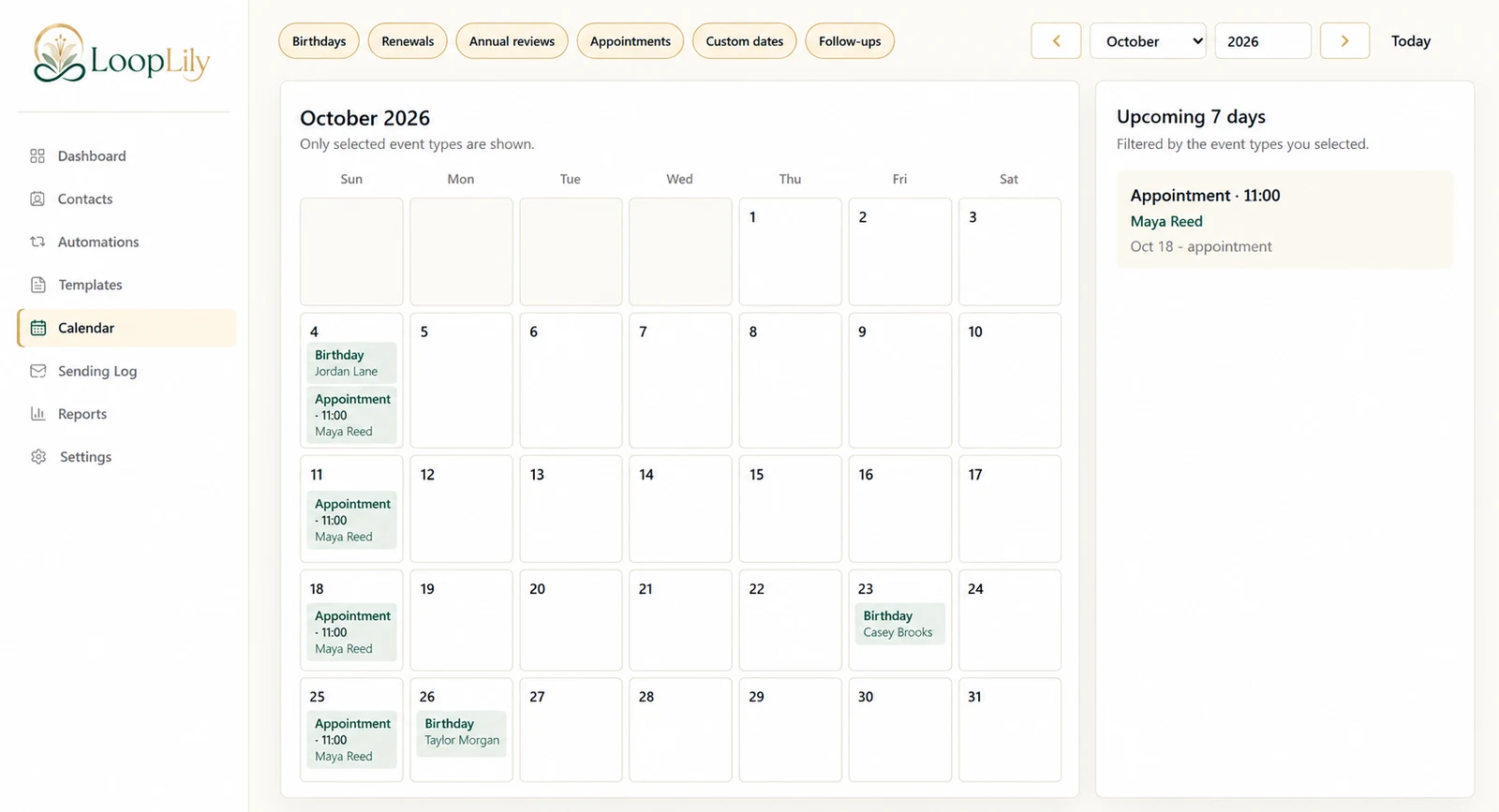
Start with contacts who have upcoming appointments, renewals, birthdays, or other important dates. These records are about to influence messages, so corrections here have immediate value. Check the name, email address, relevant date, and any preferences that affect the planned communication.
Resolve changes at their source
When a client supplies a new address or corrects a date, update the actual contact field. A note in a separate spreadsheet does not change the information used by LoopLily. If you use several business systems, decide which one is authoritative for each detail and maintain a clear update routine.
Keep a short operational record
Note the kinds of problems you found, such as ambiguous dates or duplicate rows. Use that information to improve the next import or intake form. After cleanup, review affected audiences and upcoming activity. The habit should make sending more predictable, not become a second complicated database that competes with the first.