Templates & writing
Customize a starter template without overcomplicating it
Keep the useful structure while making the message fit your business.
By LoopLily · 1 min read
Preserve the essential purpose
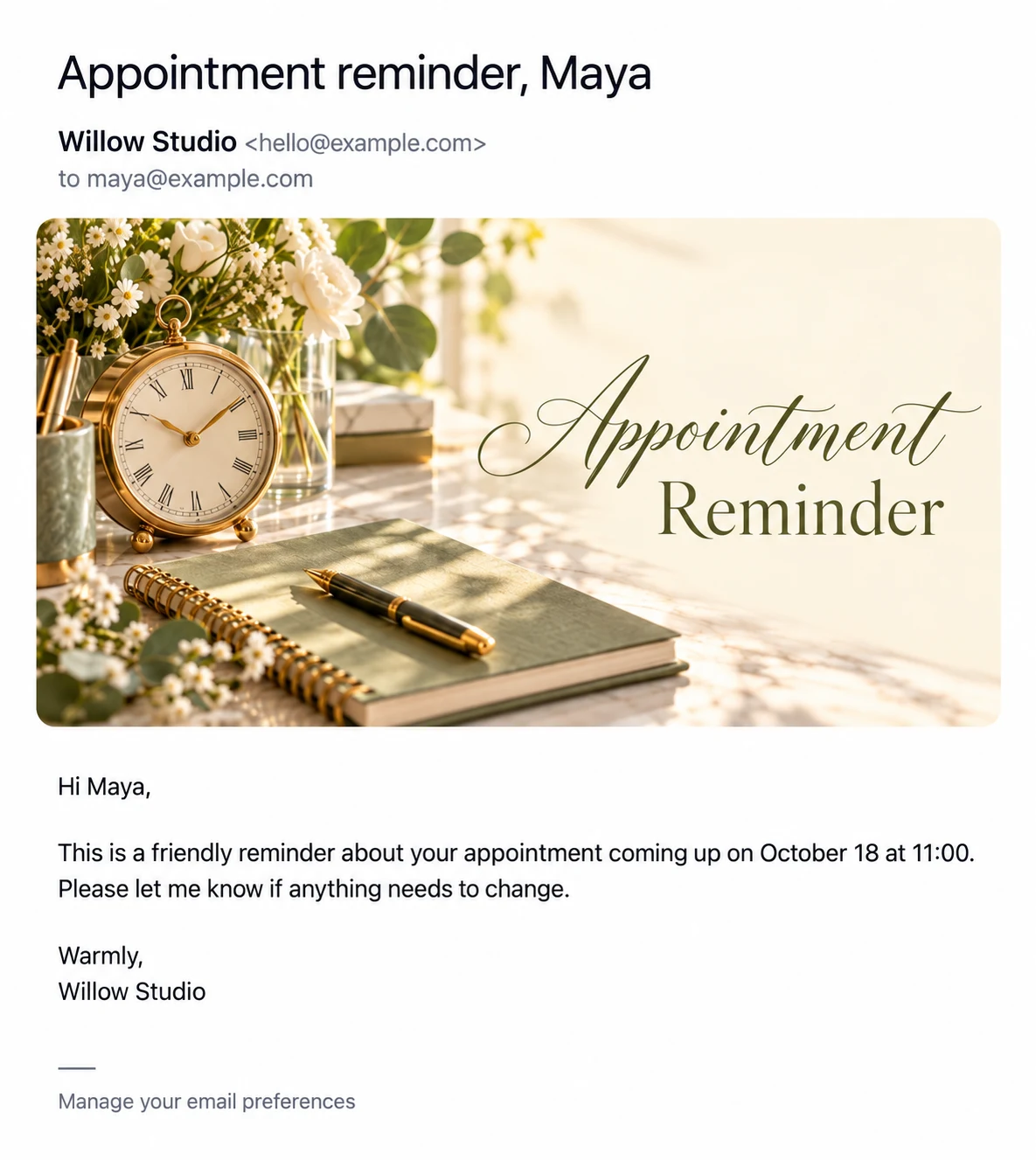
A starter reminder already gives you a practical starting point. Identify what it needs to communicate before changing it: an event, a date, an optional time, and a way to respond. Keep those essentials visible while replacing generic wording with your own voice.
Change one layer at a time
Edit the subject and body first, then review the artwork and branding. This makes it easier to notice whether a change improved clarity. If you alter several things at once, a beautiful card can distract from a sentence that no longer makes sense.
Preview the saved result
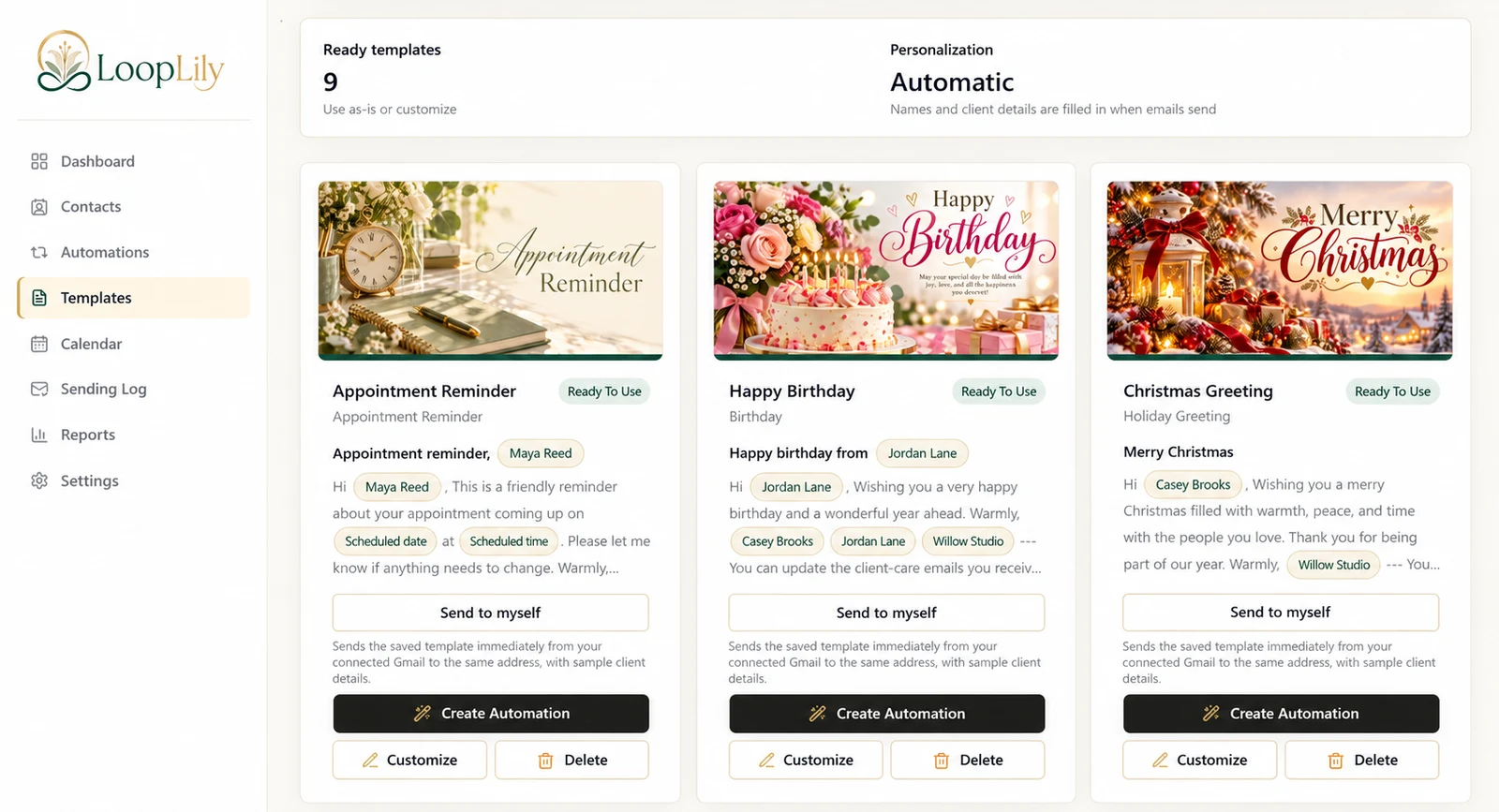
Use Send to myself after saving the template and read the received message as a client would. Check the sign-off, personalization, and any repeated logo or company name. Before changing a template already in use, inspect the automations connected to it. A small, deliberate customization is easier to maintain than a highly specific message that only works for one unusual situation.