Templates & writing
Personalization fields: choose them deliberately
Use saved details to clarify a message, not merely decorate it.
By LoopLily · 1 min read
Know what each field means
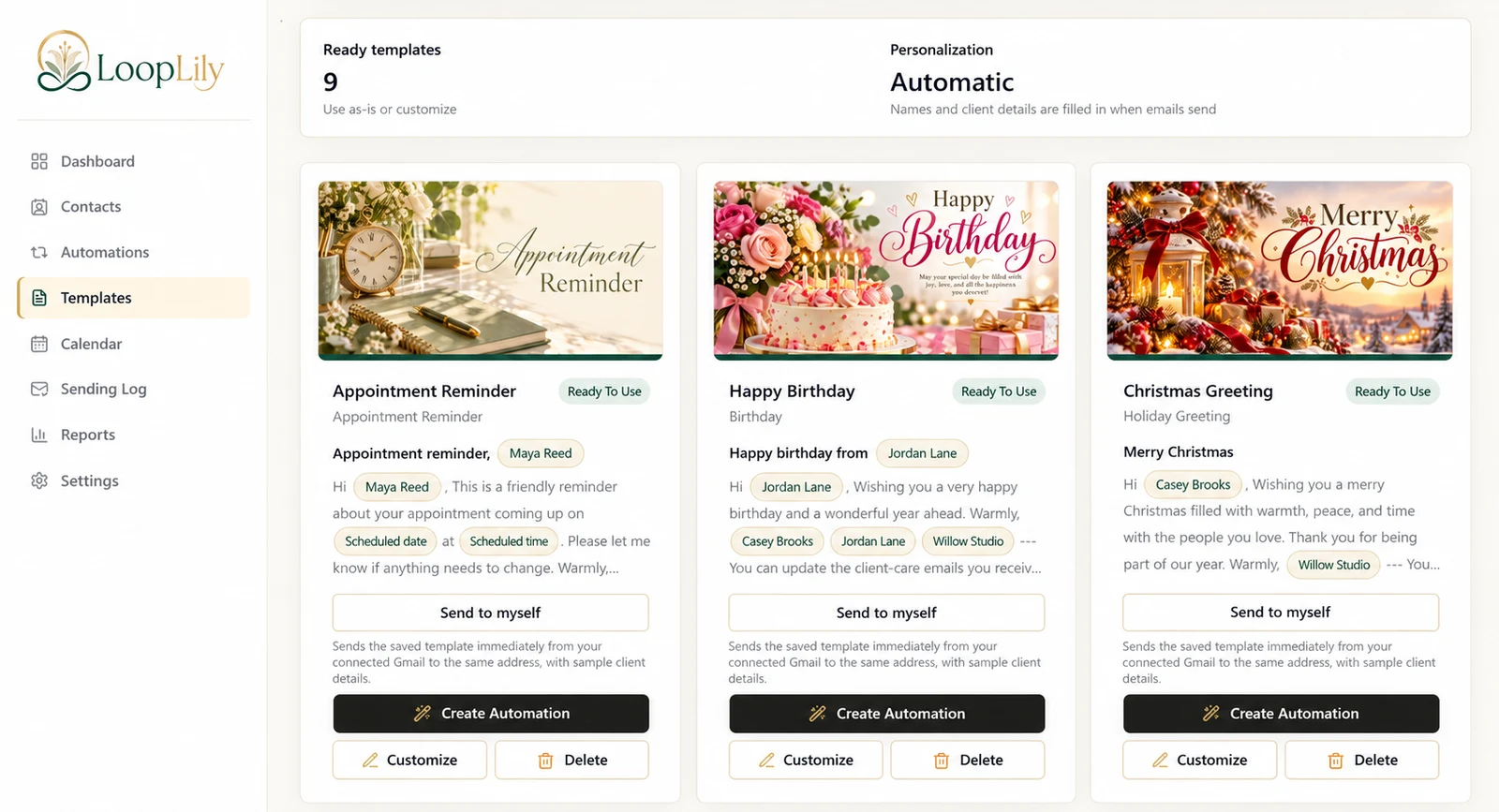
LoopLily supports fields for client names, company details, sender details, renewal dates, scheduled dates and times, and branding. Choose the field whose meaning matches the sentence. A scheduled date is not automatically the same thing as a contact’s renewal date.
Check the underlying information
A field can only be as useful as its saved value. Before using a company name in a greeting, inspect how company data is stored across the audience. A mixture of household names, employer names, and internal notes may make the same sentence read differently for different clients.
Use fewer fields well
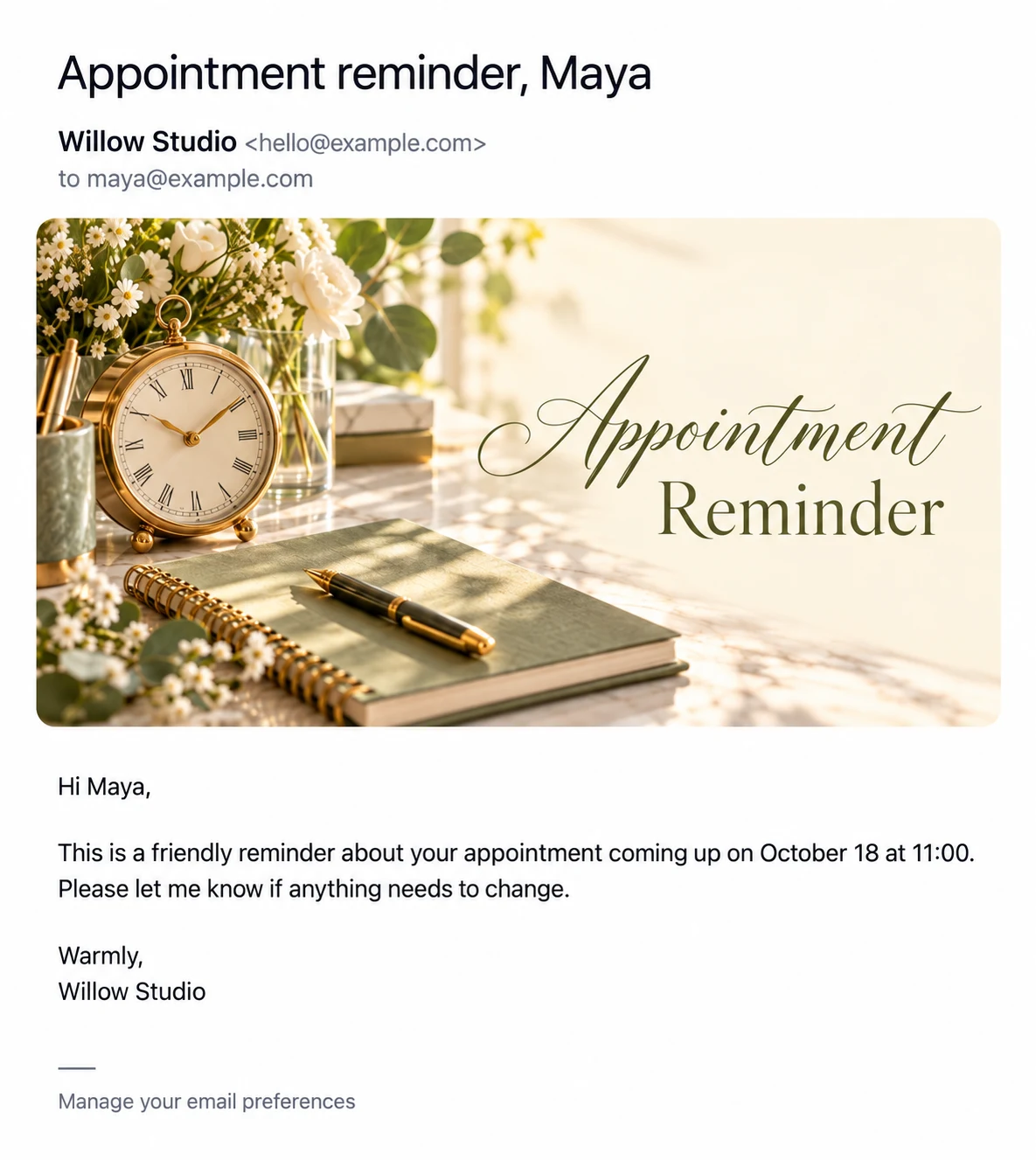
A simple ‘Hi Maya’ followed by accurate appointment details is often enough. Adding every available field creates more opportunities for awkward text or missing information. Preview the layout with sample details, then separately review real records. Personalization should reduce the reader’s effort to understand the message, rather than advertise how much information your database contains.