Templates & writing
Design an email that still works without images
Treat artwork as an enhancement and readable text as the foundation.
By LoopLily · 1 min read
Put essential meaning in the body
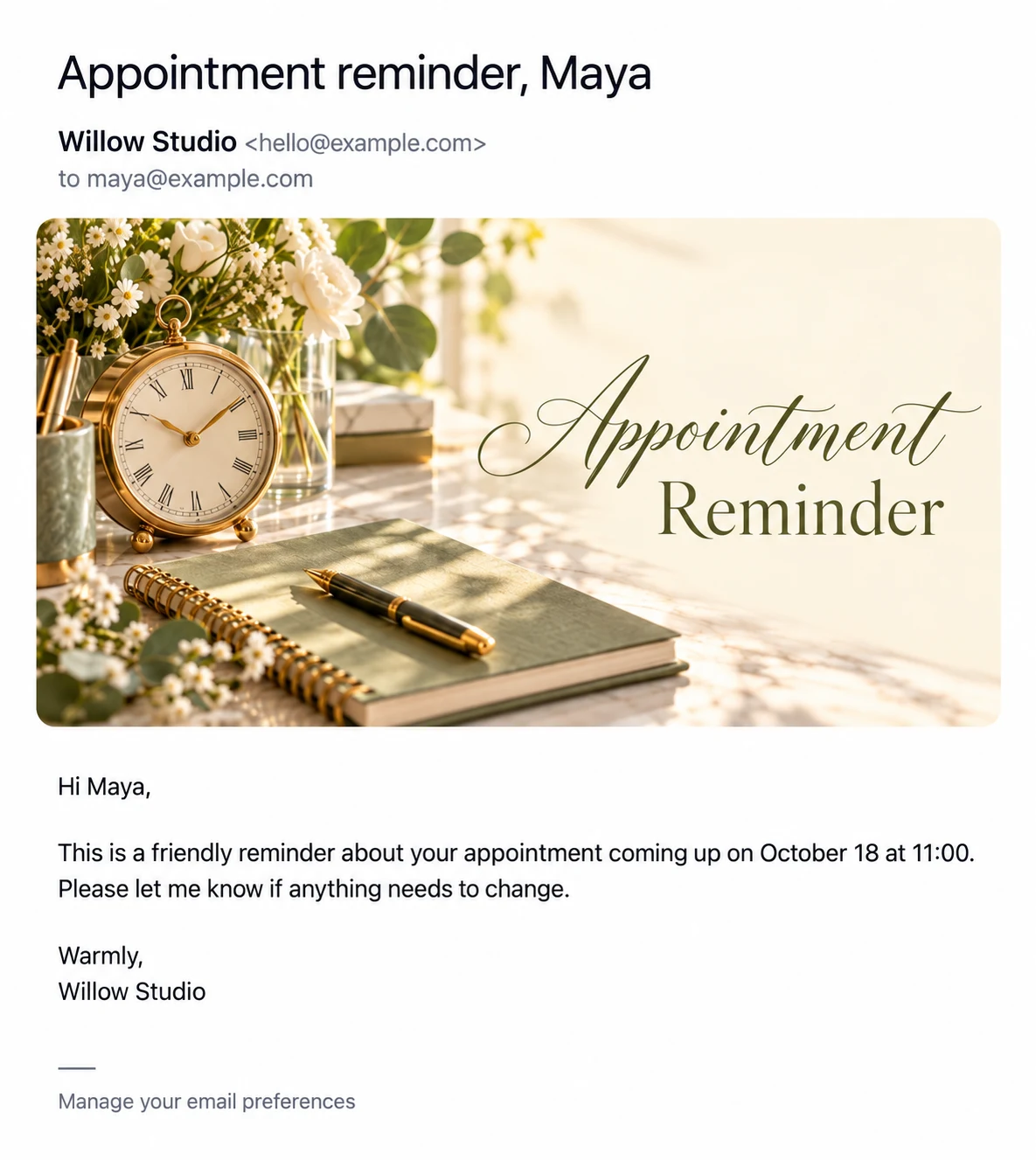
Recipients may block images, read on a slow connection, or use assistive technology. Keep the purpose, relevant date, and next step in the email’s text. A card that says ‘Appointment Reminder’ should not be the only place where the reader learns why you are writing.
Use a simple reading order
Start with a greeting, explain the occasion, provide the practical detail, and end with a clear sign-off. Avoid a long sequence of unrelated sections. Short paragraphs are easier to follow on a phone and make it simpler to identify the action you are requesting.
Test the message as text
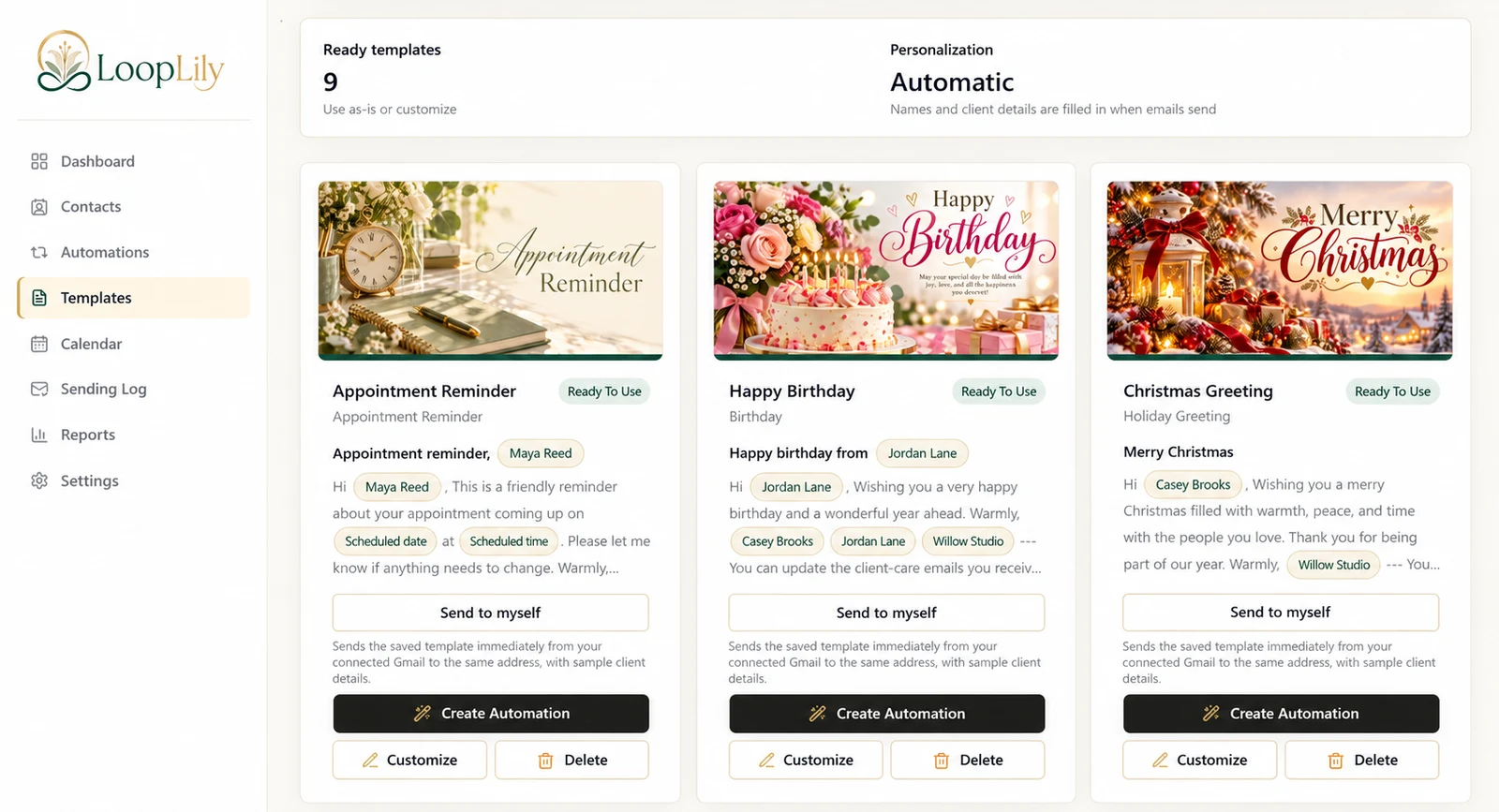
Read the subject and body without looking at the image. If something important disappears, add it to the wording. Then view the full preview to check that artwork and text agree. This approach does not require a plain-looking email; it allows a beautiful card to support a message that remains useful in more reading situations.