
Growing with LoopLily
Grow from one automation to a manageable system
Expand only when the existing workflow is understandable and maintained.
By LoopLily · 1 min read
Earn the next workflow
Before adding another automation, review the first one’s records, template, timing, and outcomes. If you still cannot explain why a contact did or did not qualify, resolve that uncertainty first. More rules can multiply confusion as easily as they can save effort.
Add a different useful purpose
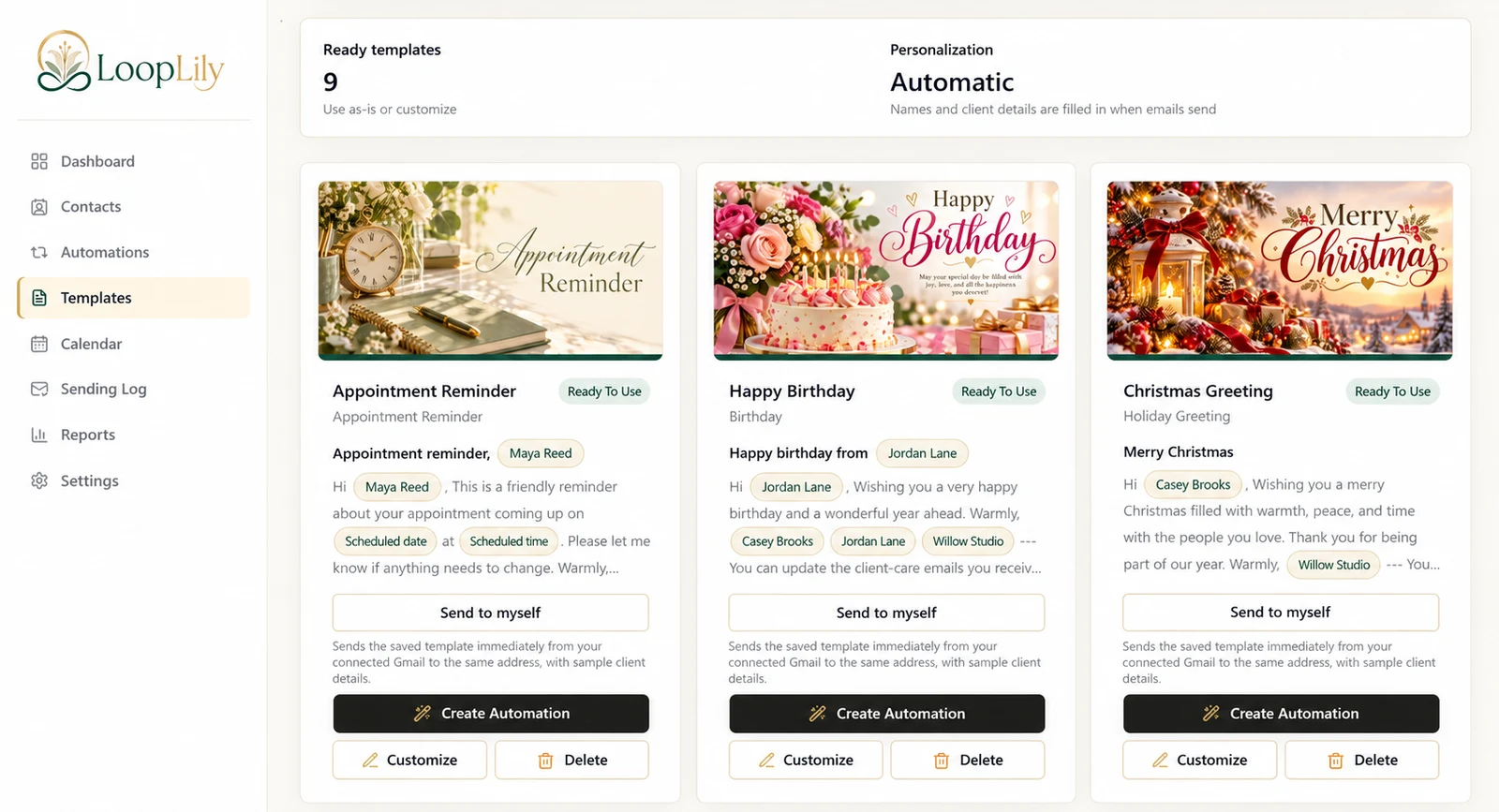
Choose the next workflow based on a real business need, such as moving from birthday greetings to appointment reminders. Give it a clear name and document the information it depends on. Avoid creating several slightly different versions of the same check-in without a reason.
Review the combined experience
Inspect clients who belong to more than one audience and look at upcoming dates together. Keep a routine for maintaining records and reading results. Growth should make the system more useful, not merely larger. A small set of well-understood automations can support a growing business better than a crowded list of rules that nobody feels confident editing.