
Growing with LoopLily
Organize your templates by purpose
Keep a growing library usable without losing the messages you trust.
By LoopLily · 1 min read
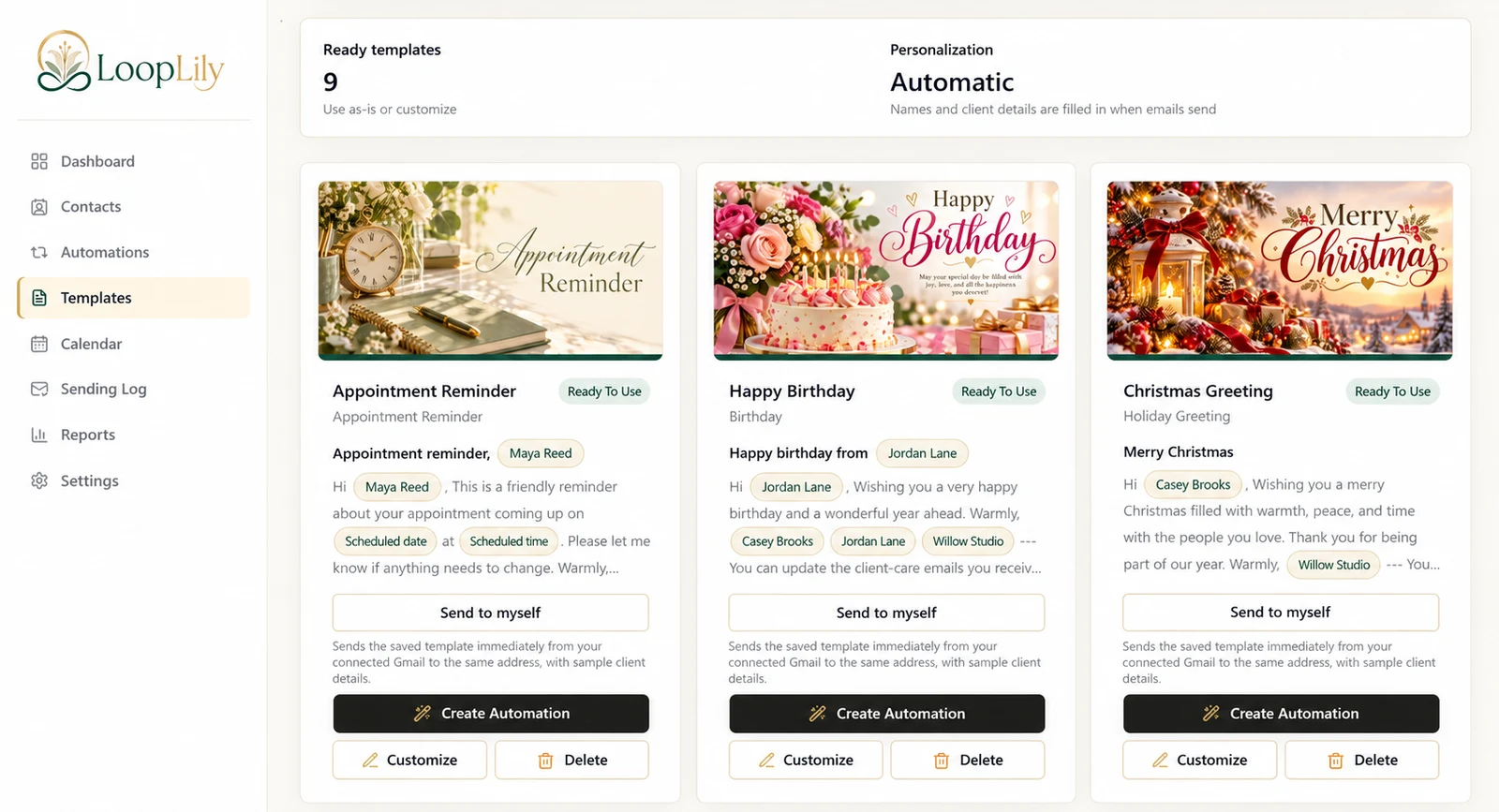
Make each template’s role clear
A birthday greeting, a renewal reminder, and a thank-you note should be easy to distinguish by name and content. Use titles that describe the occasion rather than vague labels such as ‘Nice email.’ This helps you choose the correct message when creating an automation.
Avoid unnecessary near-duplicates
Before saving another version, ask what meaningfully differs: audience, tone, language, or event purpose. A separate template can be useful, but several copies with tiny undocumented changes are harder to maintain. Inspect the automations connected to a template before altering or removing it.
Review the library seasonally
Look for outdated business details, old year references, and artwork that no longer fits your brand. Preview revised messages and keep their names accurate. A tidy library is not about having the fewest possible cards; it is about knowing which message to use and why. That clarity becomes more valuable as more occasions and client groups are added.