
Contacts & preferences
Keep important dates current when plans change
Saved dates are operational information, not a one-time setup task.
By LoopLily · 1 min read
Update the source record
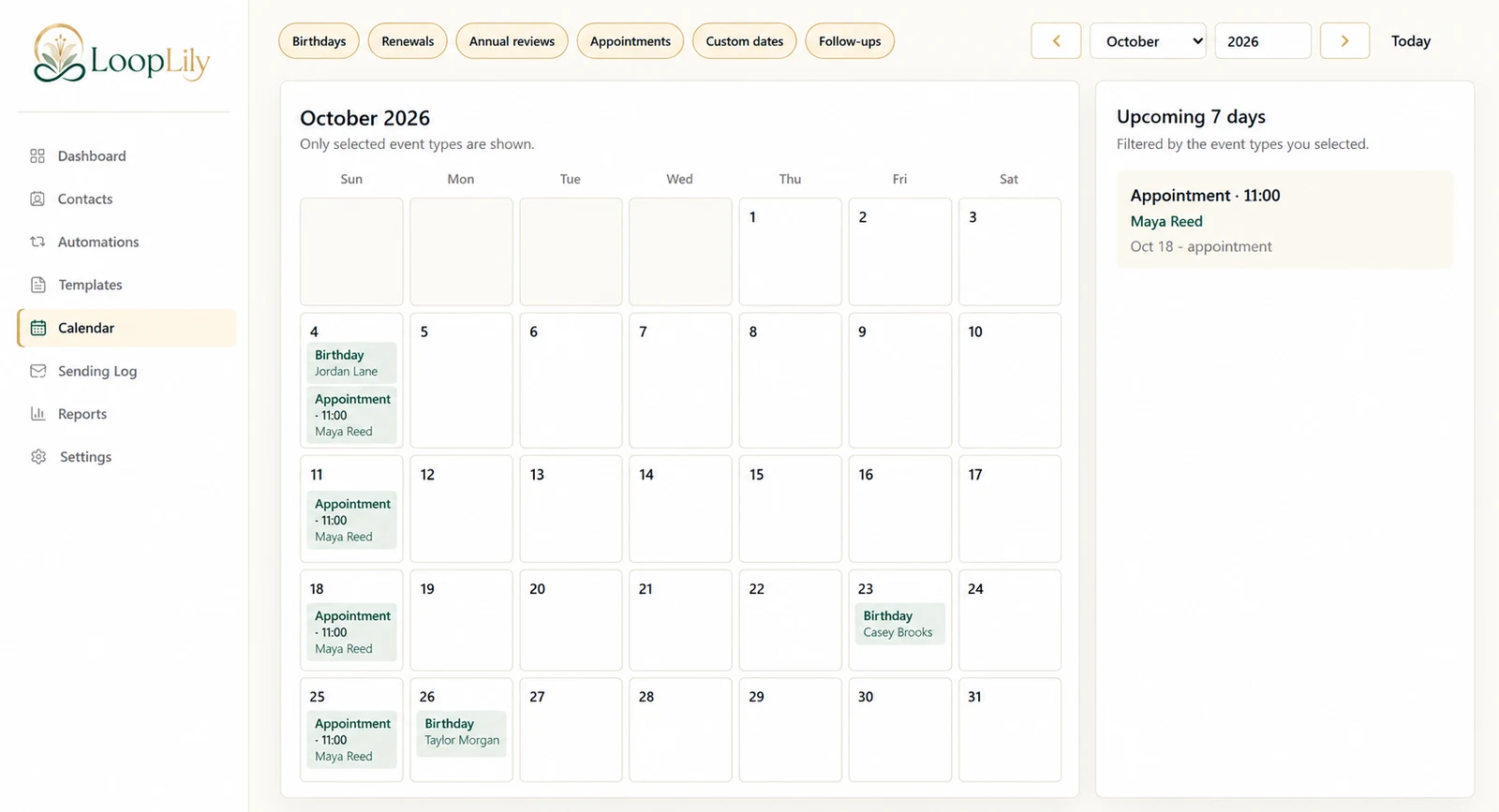
When a client reschedules, start with the event or date on the contact. A beautifully written reminder will still be wrong if it draws on an outdated appointment. Check the date and time together, especially when a change moves an event to a different week or month.
Review the connected workflow
Consider which automation uses that information and whether its lead time still makes sense. A reminder intended for several days before an appointment may need attention when the booking moves at short notice. Inspect the calendar and relevant scheduling settings instead of assuming every visible item updates your communication plan automatically.
Close the loop with the client
If an earlier message already went out, changing a record does not retract it from the recipient’s inbox. A personal clarification may be appropriate. Review the Sending Log before deciding what to say, so you understand the sequence. Accurate records prevent future confusion; clear communication addresses confusion that has already occurred.