Templates & writing
Write an appointment reminder clients can act on
Make the practical details and response path easy to find.
By LoopLily · 1 min read
Lead with the event information
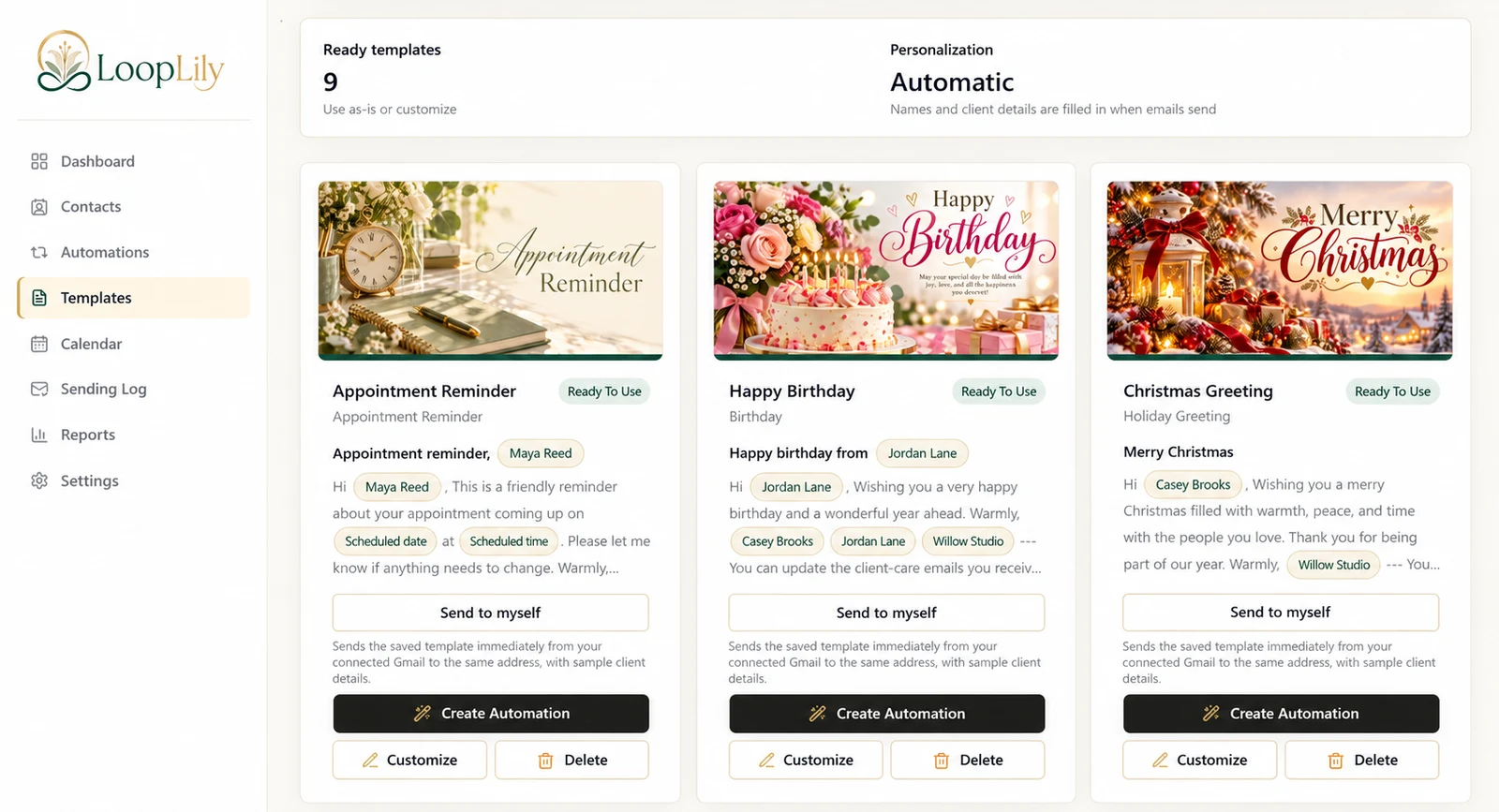
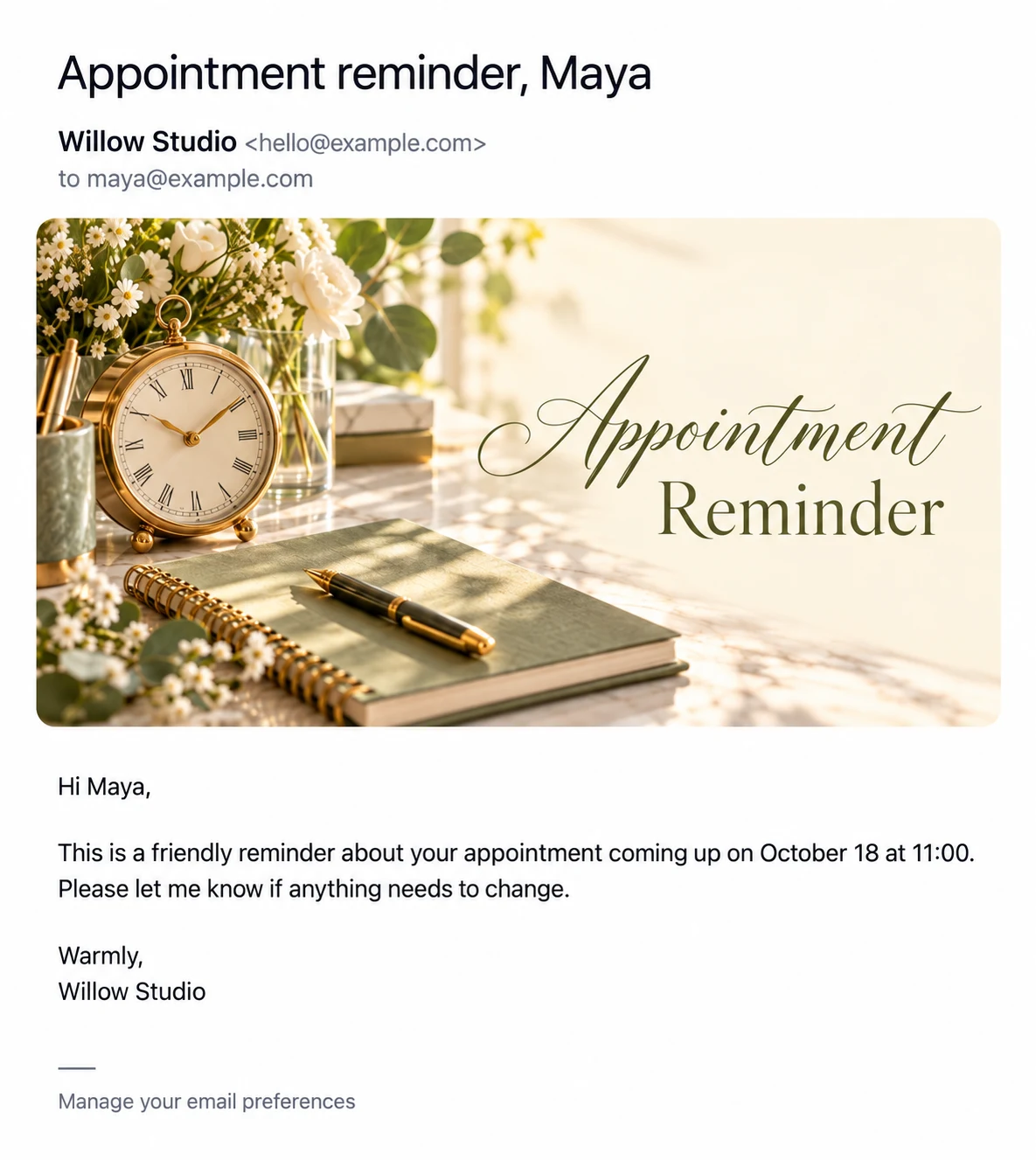
State that the email is a reminder, then give the scheduled date and time when one is saved. Avoid burying those details under a long introduction. Use the supported scheduled-date and scheduled-time fields so the template matches the event information maintained on the contact.
Offer one useful next step
Tell the client how to handle a change. If you invite a reply, make sure the reply-to mailbox is monitored. Do not imply that replying automatically reschedules the event or updates your business calendar unless your actual process provides that behavior.
Preview and verify separately
A fictional example is: ‘Hi Maya, this is a reminder about your appointment on October 18 at 11:00. Please reply if anything needs to change.’ Preview the wording, then verify Maya’s actual event record and the automation’s timing. A message can be perfectly written and still be unhelpful if it uses an outdated booking.