
Getting started
A pre-launch checklist for your first workflow
Review the dependencies that turn a saved idea into a dependable email routine.
By LoopLily · 1 min read
Check the people and information
Confirm the audience and inspect the fields needed by the chosen occasion. Birthday messages need birthday information; appointment reminders need the event date and any intended time. Review email preferences and Do Not Email restrictions instead of assuming every imported record is eligible.
Check the message and connection
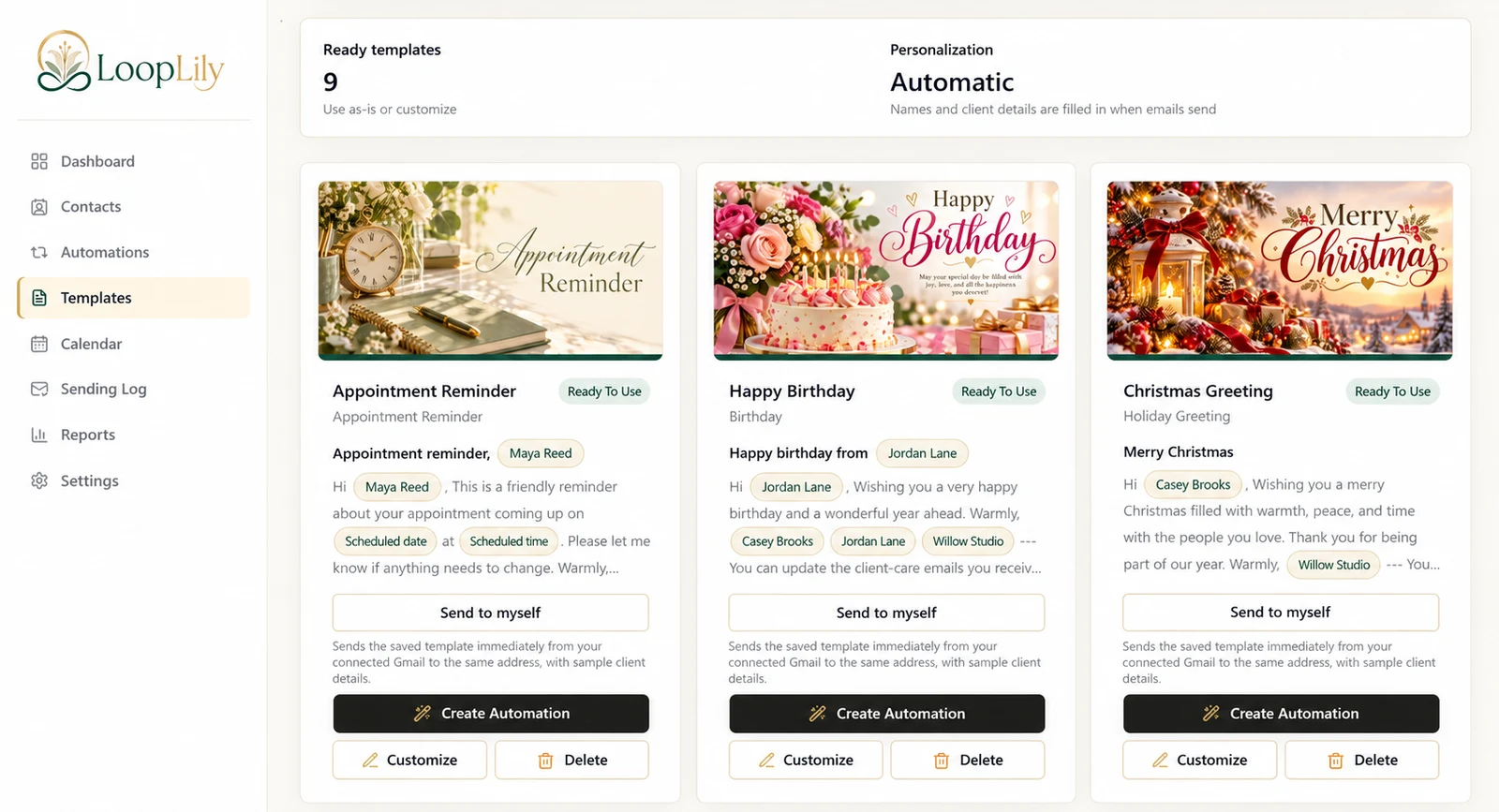
Save the template, read the subject and body, and send yourself a preview. Confirm that the sender name, company, and reply details are correct. Complete Gmail sending setup; signing in to the app alone should not be treated as proof that sending is ready.
Check timing and follow-through
Review the automation’s schedule and workspace timezone. An event time and an email send time describe different things. Once the workflow has run, inspect the Sending Log for the actual outcome. Keep this checklist available for later changes too: replacing a template or selecting a new audience deserves the same deliberate review as the original setup.