
Getting started
Your first week with LoopLily
Build a small, dependable client-care routine before expanding your automations.
By LoopLily · 1 min read
Start with one meaningful moment
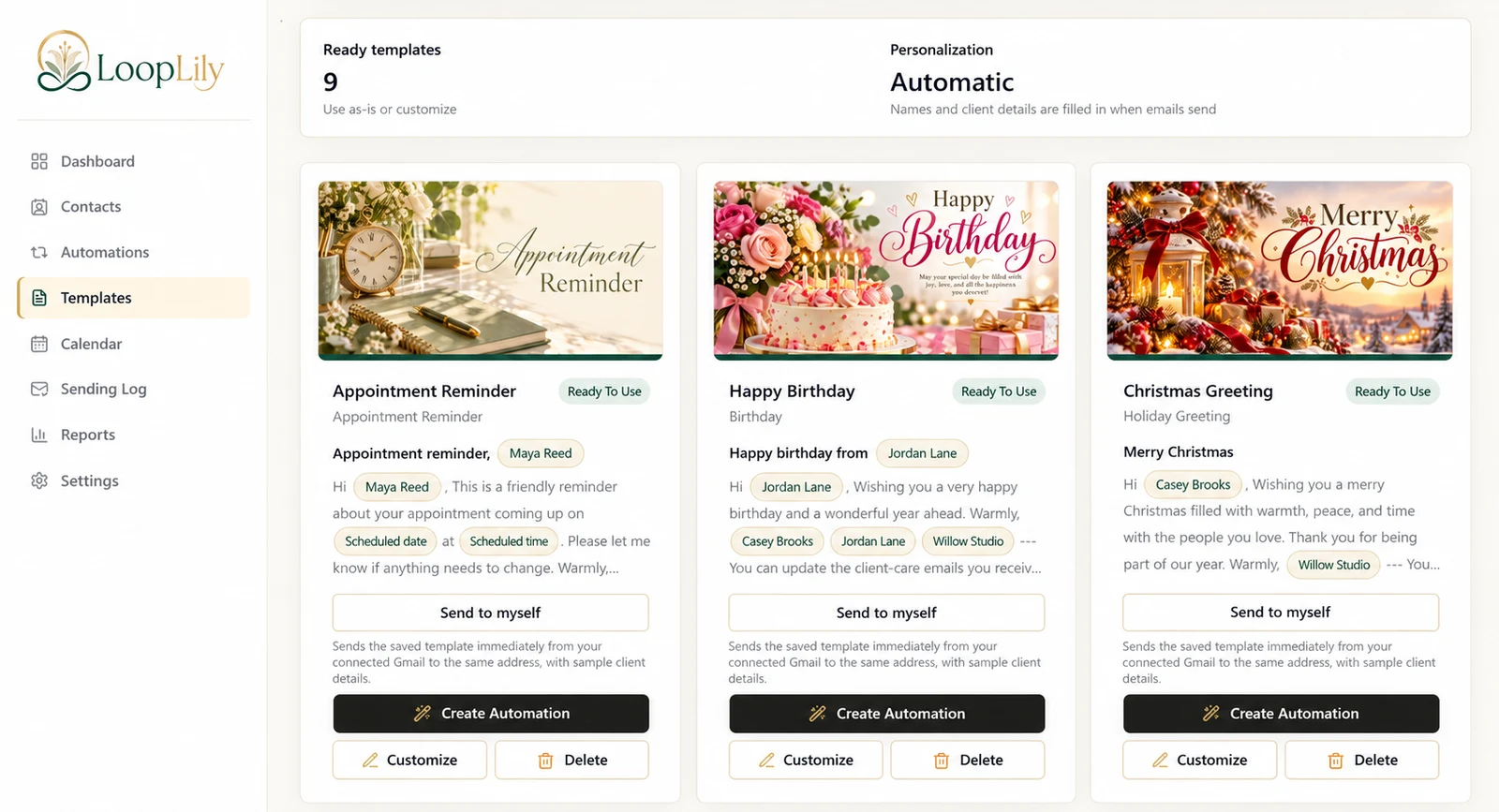
Choose a task you already understand: a birthday greeting, an appointment reminder, or a renewal note. Starting with one clear purpose makes it easier to decide which contacts belong in the audience and what information the message needs. Avoid importing a large list before you have checked its quality.
Walk through the whole workflow
Complete your company profile, add a few appropriate contacts, choose a template, and connect Gmail for sending. Read the saved template and send yourself a preview. Then configure the automation’s audience and timing. A template supplies the message; the automation supplies the rule for using it.
Make the first review count
After the first scheduled run, examine the Sending Log and compare the result with the contacts you expected to qualify. Correct missing dates or preferences before adding a second workflow. A successful first week means you understand the process and can explain why each message was sent, not simply that you created several automations.