
Getting started
A tour of the LoopLily workspace
Know which screen to open when you need to change a message, a date, or a sending rule.
By LoopLily · 1 min read
Separate records from rules
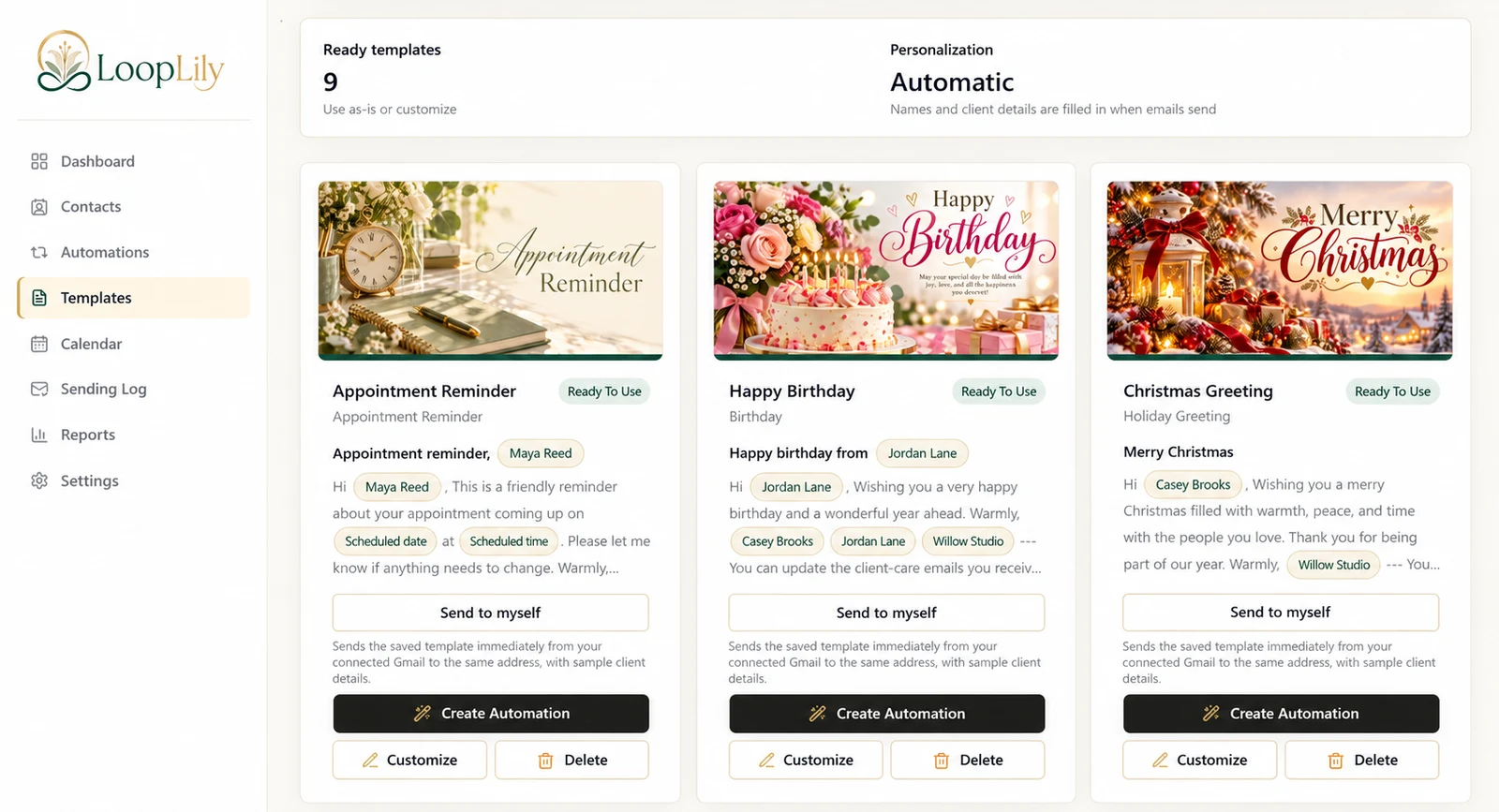
Contacts holds the people and their saved details. Templates holds reusable message content. Automations connects an audience and a schedule to a template. Keeping those roles clear prevents a common mistake: editing a greeting when the real problem is an incorrect date on a contact.
Use the calendar to look ahead
The Calendar helps you inspect upcoming contact events, with controls for the event types shown. Use it to spot a busy week or check whether an appointment is recorded. The calendar is a planning view; it is not proof that an email was sent.
Use the log to look back
Open the Sending Log when you need to understand a sending attempt. Settings is where you manage company identity and Gmail readiness. For example, if Maya’s reminder has the wrong time, inspect her event; if its signature is wrong, inspect the template and sender profile. Diagnose the layer first, then make the smallest useful correction.