
Getting started
Choose your first client-care automation
Pick a workflow whose data, audience, and message you can verify easily.
By LoopLily · 1 min read
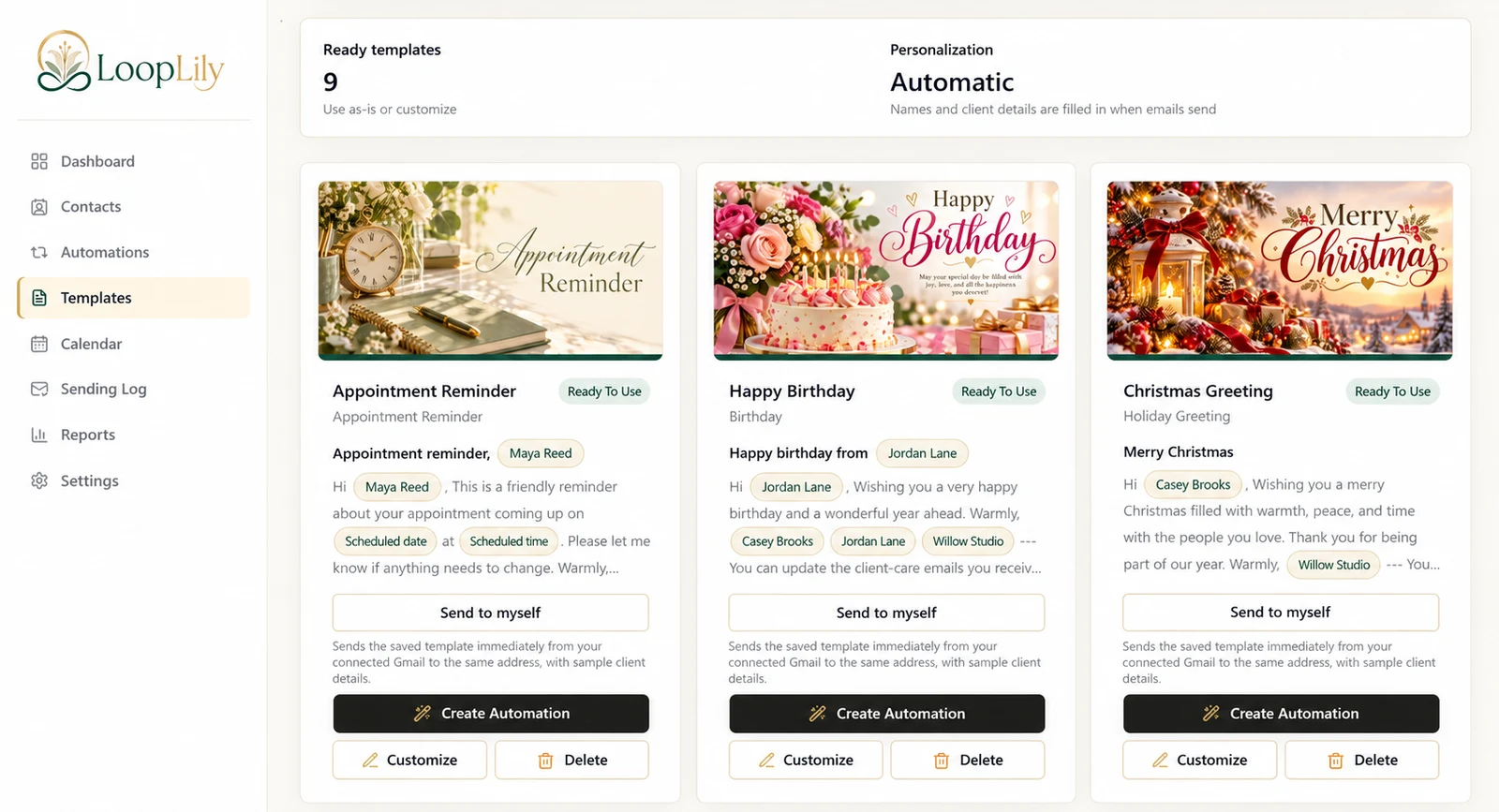
Start where your information is strongest
A birthday automation is straightforward when birthdays are complete and recipients welcome greetings. Appointment reminders are useful when event dates and times are maintained reliably. Renewals need a current deadline. Choose the use case with the best information, even if another type sounds more exciting.
Write a one-sentence purpose
Try: ‘Remind confirmed clients about their upcoming appointment.’ That sentence rules out prospects, cancelled appointments, and unrelated holiday content. It also helps you judge whether the selected template asks the reader to do something relevant. A narrow purpose makes a first automation easier to inspect.
Review a small audience
Begin with a limited, appropriate audience where the product allows selection, and verify every record involved. Send a template preview to yourself, then check the rule’s time and Gmail readiness. After a scheduled attempt, compare the log with your expectations. Expand only once you can distinguish a content problem from an audience or timing problem.