
Getting started
What LoopLily does for a small business
Understand the product’s role in keeping everyday client relationships organized.
By LoopLily · 1 min read
A place for the details you forget
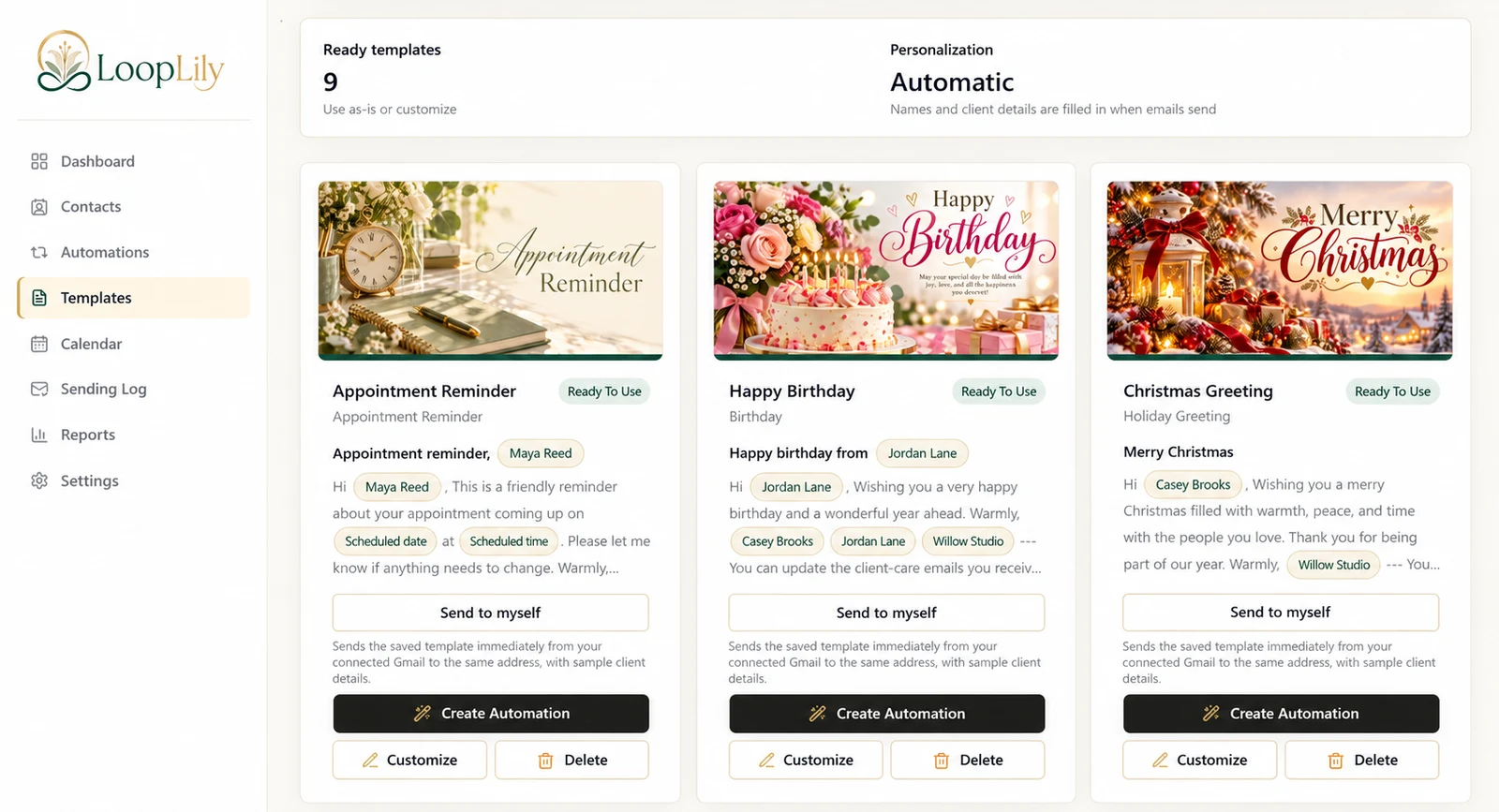
LoopLily brings contacts, important dates, reusable messages, automations, a calendar, and sending history into a focused workspace. These pieces help you remember moments that are easy to overlook while doing your actual work. A client’s birthday and a contract renewal serve different purposes, but both benefit from accurate records.
From saved information to a message
A contact provides the details. A template provides the words and artwork. An automation determines when and for whom that template is used. Gmail supplies the sending connection. Those dependencies explain why simply choosing a beautiful card does not create a complete sending workflow.
Decide whether the fit is right
Think of a recurring task you currently handle with a spreadsheet or memory. If it depends on a known date and a thoughtful email, it is a useful starting point. Keep complex sales negotiations, sensitive case records, and personal conversations in the systems suited to them. LoopLily supports consistent follow-through; it does not replace your judgment about the relationship.