
Review & troubleshooting
A weekly health check for your automations
Use a short review to catch stale information before it creates awkward messages.
By LoopLily · 1 min read
Look ahead first
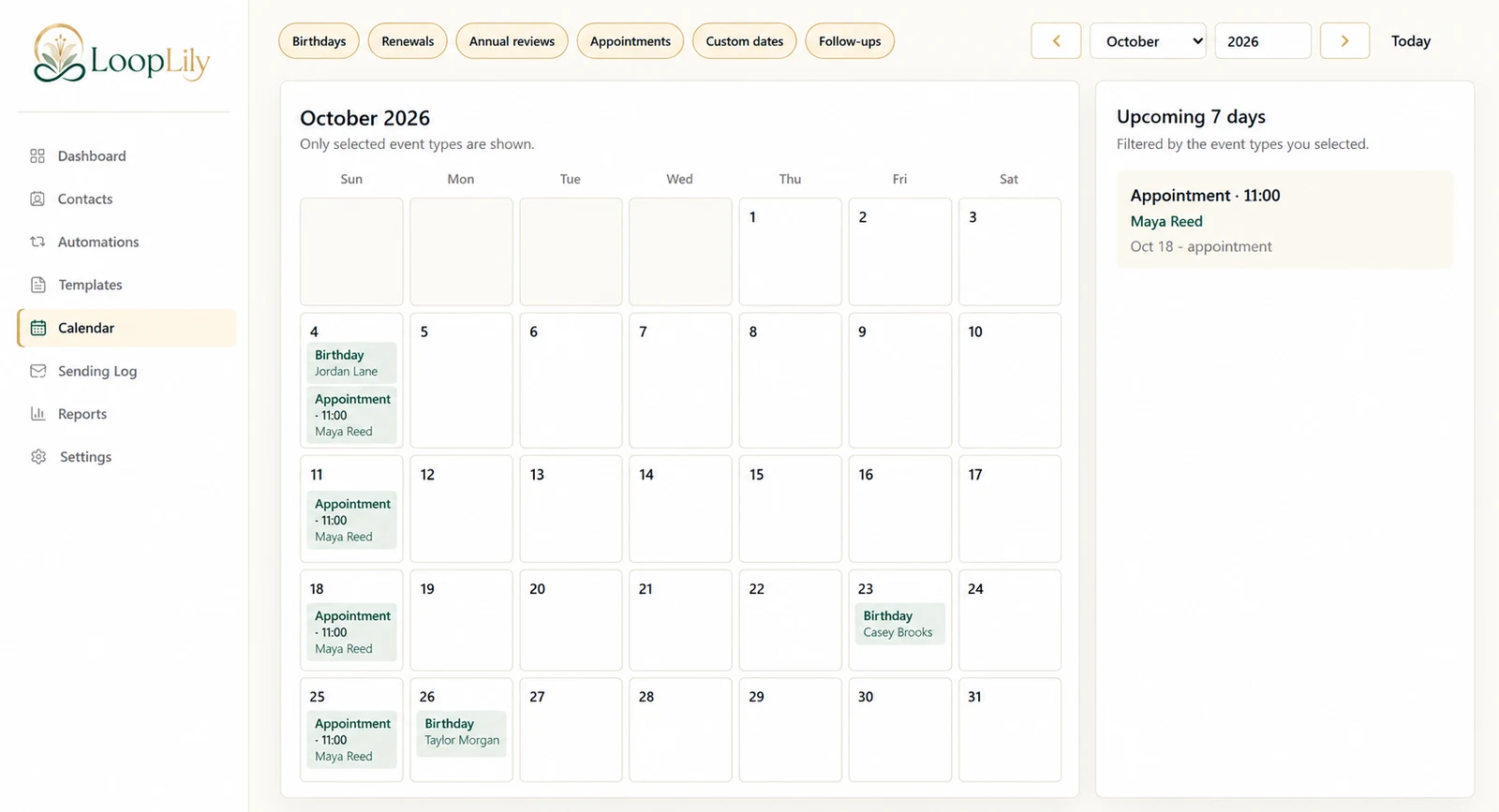
Review upcoming dates and active rules for the next week. Check changed appointments, approaching renewals, and any holiday that needs a current-year date. Notice clients who may receive several messages close together and decide whether the combined cadence remains appropriate.
Look back at actual attempts
Inspect recent Sending Log entries for unexpected failures, skipped recipients, or overlap. Read the result details rather than judging only by the total number of messages. If an issue repeats, identify the underlying record or rule that needs maintenance.
Finish with one clear action list
Correct current data, refresh a connection when needed, pause a workflow that requires review, or revise a confusing template. Keep the list short enough to complete. A weekly health check should improve the reliability of the existing routine before encouraging you to add more automation. The best result is a system whose behavior you can understand and explain.