
Review & troubleshooting
An expected email did not send: where to start
Trace the workflow in a consistent order before changing settings.
By LoopLily · 1 min read
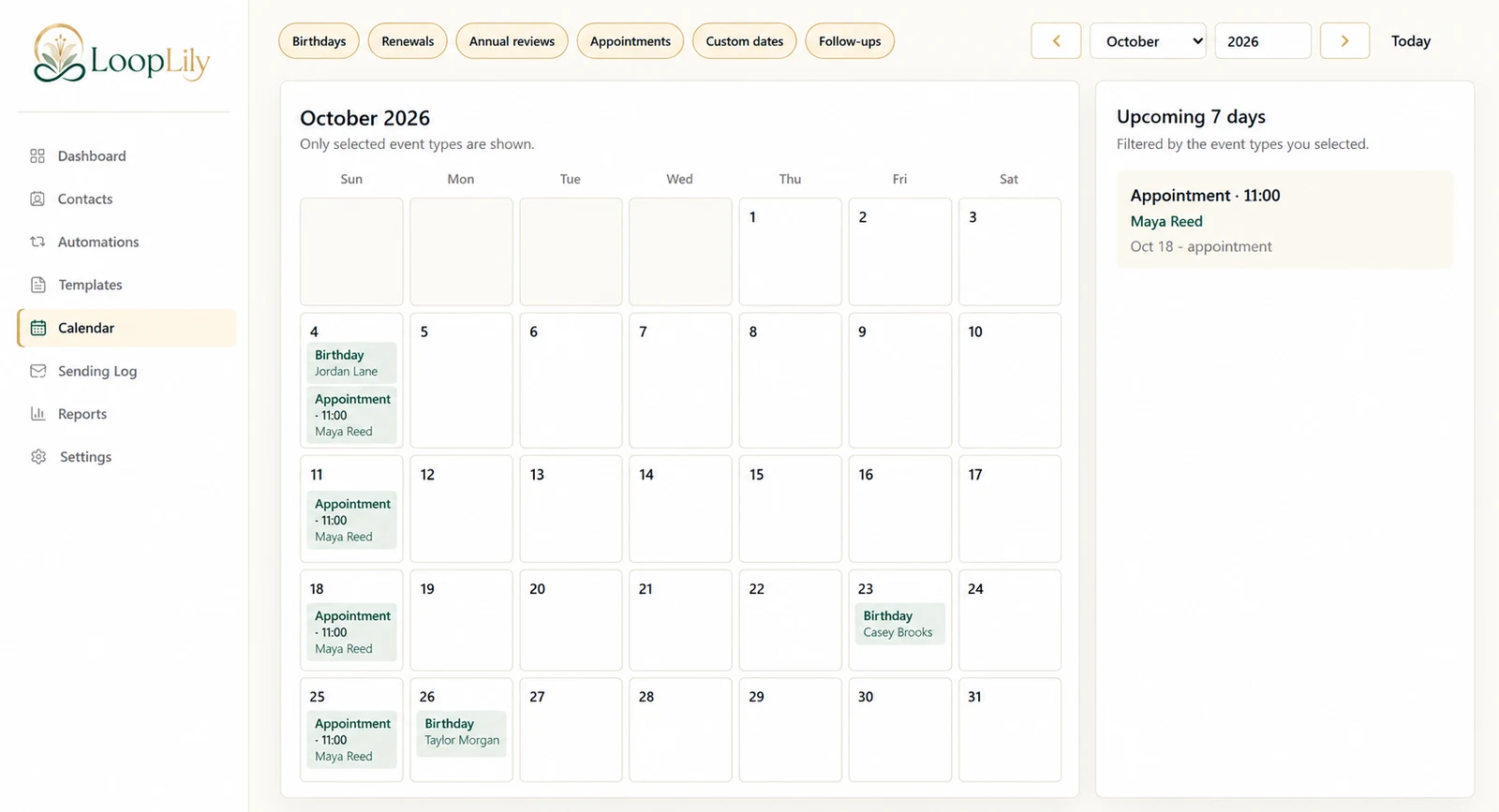
Check the event and audience
Confirm that the contact belongs to the intended audience and has the information required for the occasion. For a birthday, verify the saved date. For an appointment, inspect the event date, time, and reminder lead time. Check relevant preferences and Do Not Email status.
Check the rule and connection
Review whether the automation is active, which template it uses, and when it is configured to run. Confirm Gmail readiness in Settings. A successful login or a saved card does not prove that the complete sending chain is ready.
Read the evidence before retrying
Inspect the Sending Log for the specific contact and period. If the expected occasion has already passed, consider whether another message would still be useful. Avoid repeatedly creating new rules or sending manual duplicates while the cause remains unclear. Work through one example completely, correct the responsible layer, and then verify the next appropriate attempt.