
Business playbooks
Appointment and review reminders for consultants
Keep scheduled conversations visible without turning every email into a proposal.
By LoopLily · 1 min read
Use a defined meeting purpose
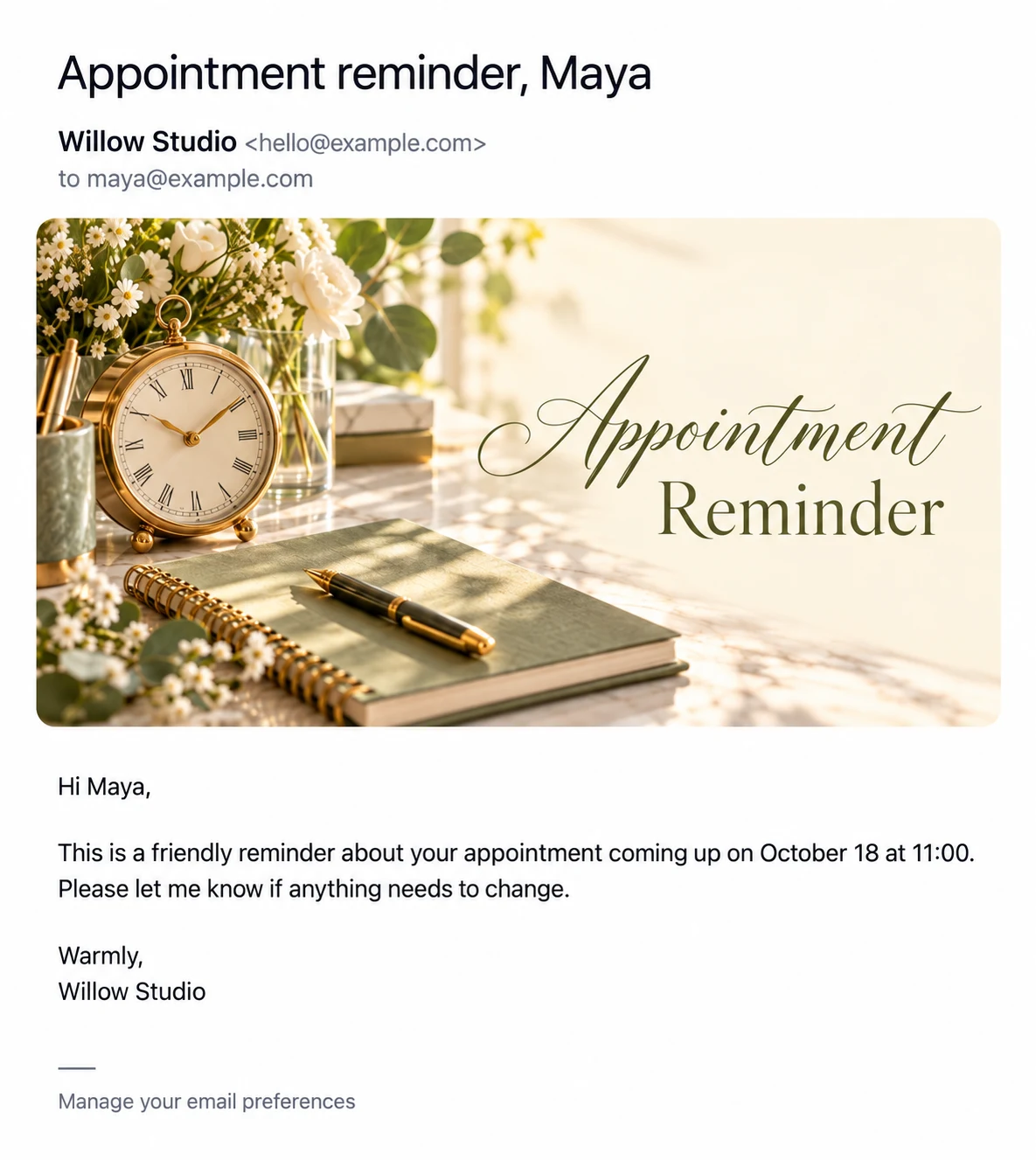
A project review, planning call, or agreed check-in deserves a reminder that names its purpose clearly. Store the date and time accurately and write a template that tells the client what to do if the arrangement changes. Avoid implying an automatic meeting-link integration unless your actual setup provides one.
Separate routine details from project advice
A reusable message can confirm the conversation and invite preparation. Detailed recommendations, confidential project findings, and changing deliverables belong in a tailored exchange. This separation makes the template easier to maintain and reduces the chance of sending outdated project language.
Review after the meeting
Update the contact’s next relevant date once the conversation is complete. A fictional consultant might schedule a later review after agreeing it with the client, rather than sending indefinite check-ins by habit. Use the calendar to plan the week and the log to inspect message attempts. Automation is most helpful when it supports commitments you have already made.