
Scheduling & reminders
Appointment time and email send time are different
Avoid confusing when an event happens with when its reminder goes out.
By LoopLily · 1 min read
The event belongs to the client record
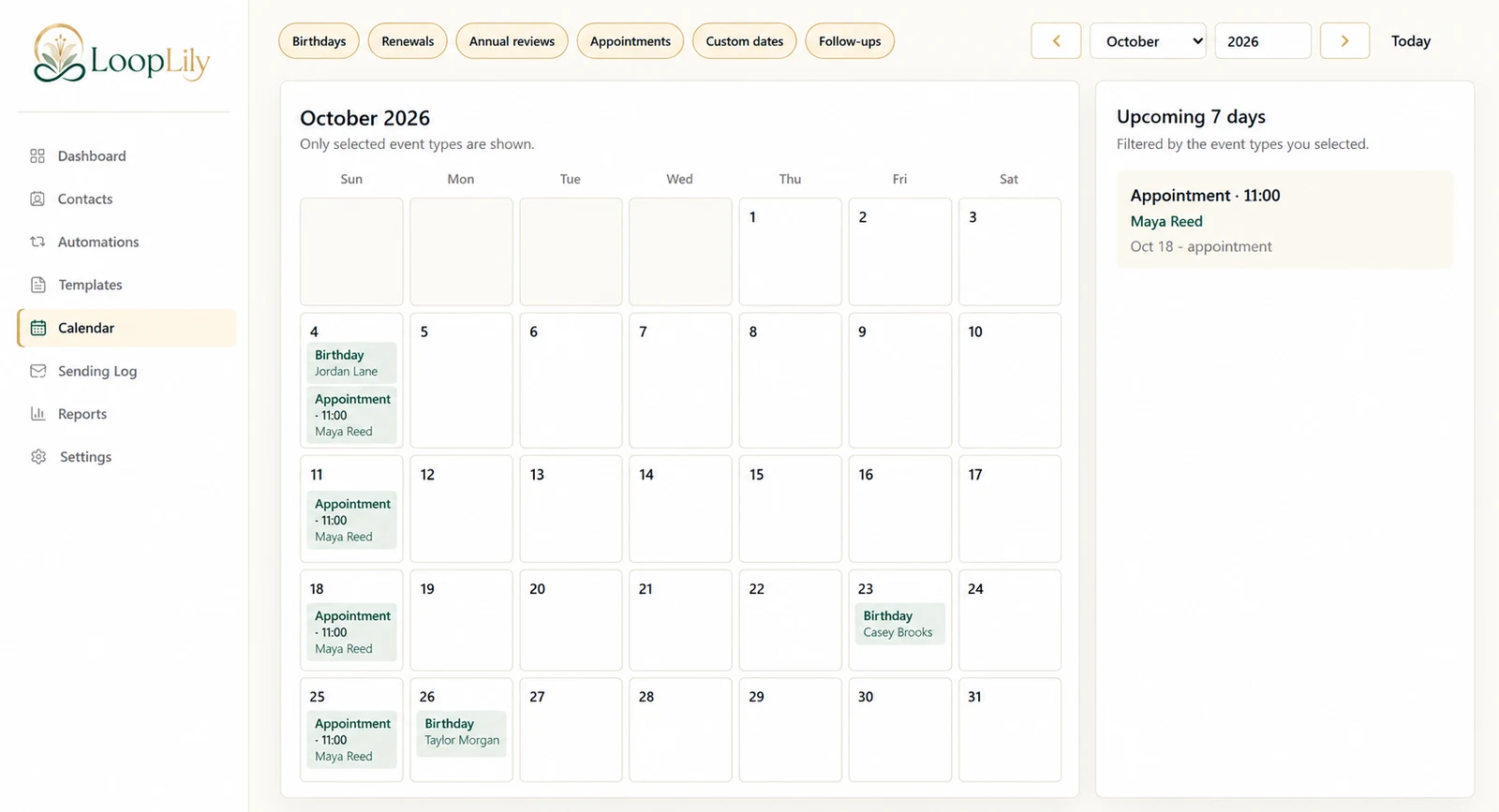
An appointment’s date and time describe the actual booking. Those details may appear in the reminder through supported personalization fields. If the appointment moves from 11:00 to 14:00, update the event information so the message describes the correct booking.
The automation controls communication timing
The email send time determines when the reminder is intended to be sent, together with the rule’s lead time and schedule. A morning reminder can describe an afternoon appointment. These are two separate times with two different purposes.
Check both before activation
In a fictional example, Maya’s appointment is on October 18 at 11:00, while the reminder is configured for the previous morning. Verify the event record, lead time, send time, and workspace timezone. Then review the resulting log entry after the scheduled attempt. If a displayed timestamp surprises you, investigate the relevant timezone and scheduling context before changing the appointment itself.