
Scheduling & reminders
Use the calendar for a weekly client-care review
Turn upcoming dates into a short, practical planning routine.
By LoopLily · 1 min read
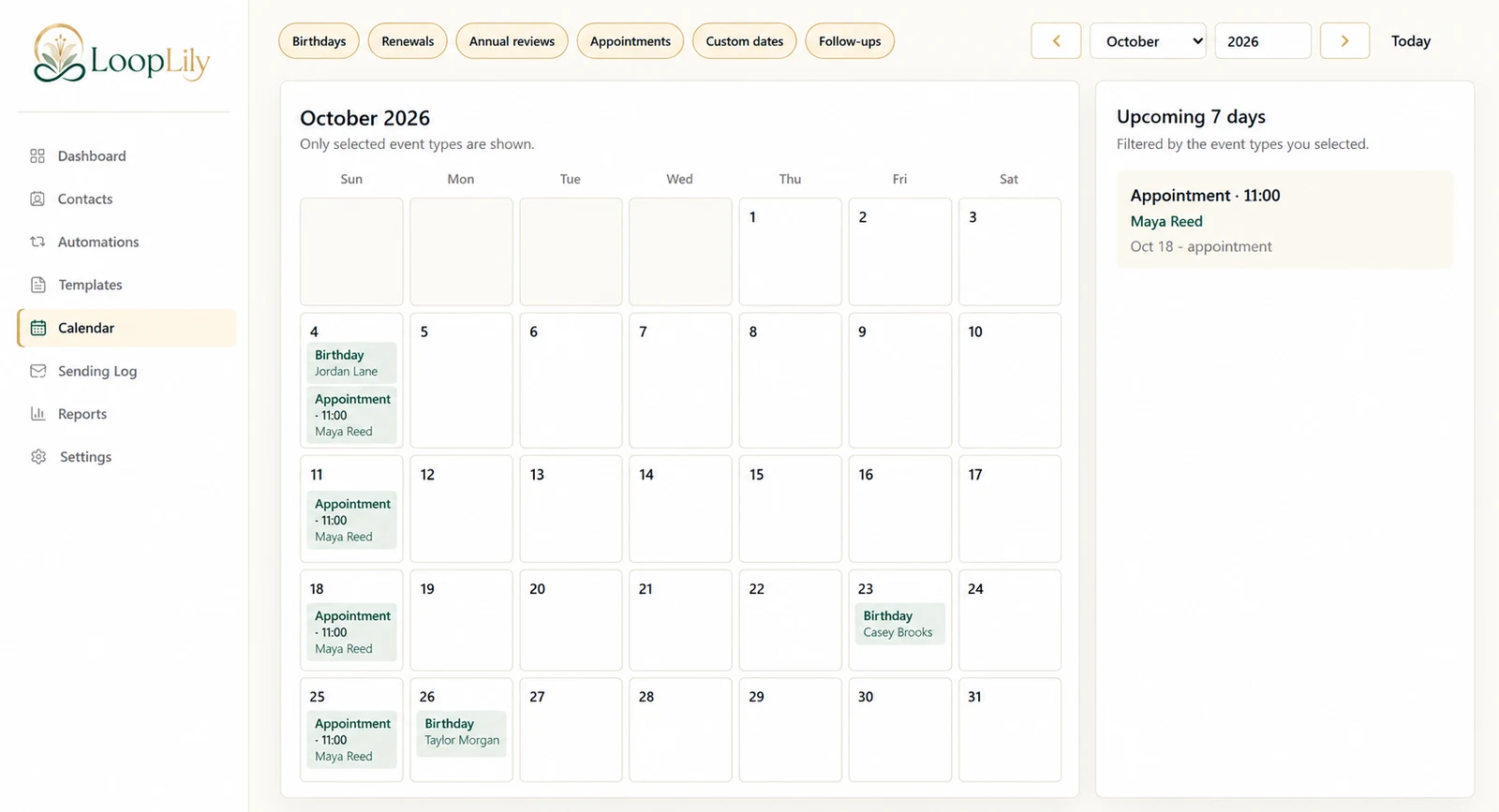
Start with the visible filters
The Calendar shows selected event types. If an expected birthday or appointment seems absent, check which filters are enabled before deciding the record is missing. Move to the relevant month and compare the displayed events with the contact information you expect.
Look for collisions and changes
Review the next week for appointments, renewals, and other important moments. Notice when one client has several events close together. This is a useful prompt to inspect your communication plan, especially if several automations could send messages around the same time.
Separate planning from proof
A calendar event helps you see what is coming; it does not establish that an email was sent or read. Use the Sending Log for the outcome of sending attempts. Keep the weekly review short: correct dates, check the relevant rules, and identify any relationship that needs a personal conversation. The value comes from decisions made with the calendar, not merely from viewing it.