
Scheduling & reminders
Choose a useful reminder lead time
Give clients enough notice without making the message feel disconnected from the event.
By LoopLily · 1 min read
Consider what the client needs to do
A simple appointment may require only a short reminder. A renewal that needs documents or a discussion may deserve more preparation time. Start with the real action required, rather than choosing a lead time only because it is a convenient default.
Configure and review the rule
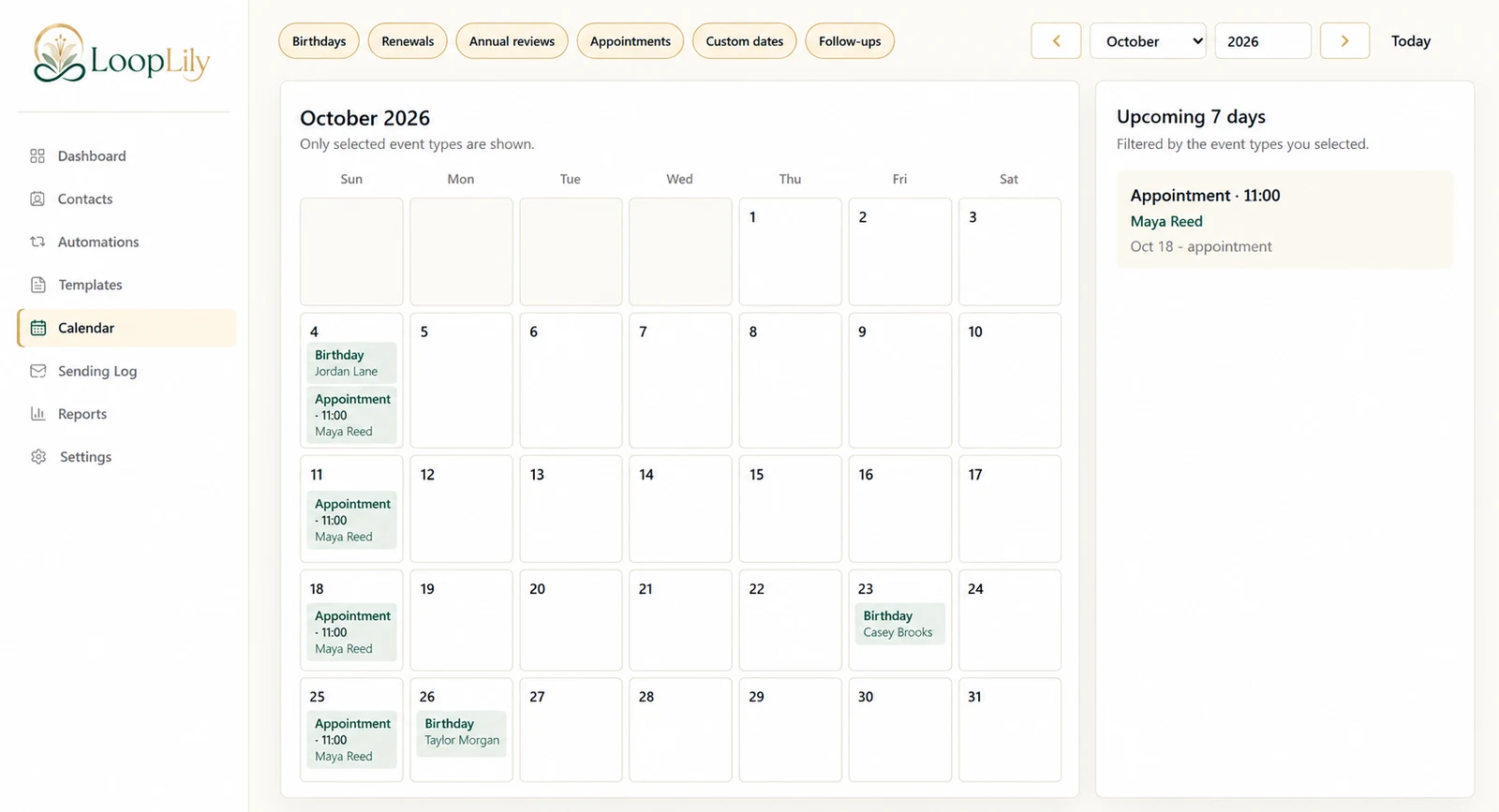
LoopLily’s reminder workflow lets you connect the relevant saved date with a reminder schedule. Check the lead-time setting and the email send time together. A date can be correct while the selected lead time still makes the message arrive too early to be useful.
Adjust with evidence
After a few relevant sends, review client feedback and your own operational experience. If people still lack time to prepare, revise the process thoughtfully. Do not assume that more reminders are automatically better. Before adding another rule, inspect existing automations for overlap. A useful lead time reflects the task and the audience, while leaving room for personal contact when circumstances change.