
Scheduling & reminders
Avoid overlapping reminders for the same client
Review the whole communication plan when adding a new rule.
By LoopLily · 1 min read
Look beyond the new automation
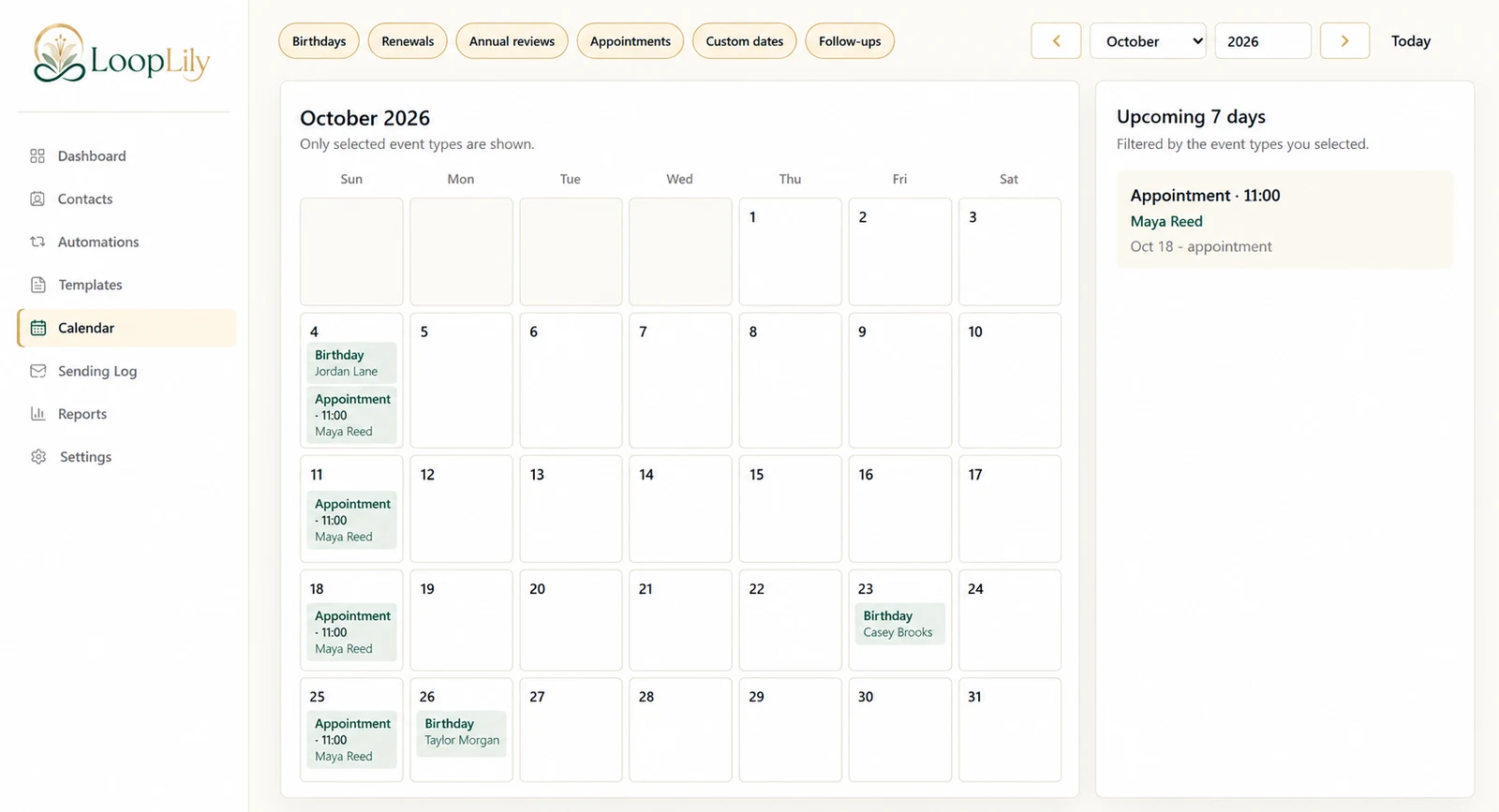
A client may already belong to a birthday rule, a holiday audience, and an appointment workflow. Each rule can be reasonable on its own while the combined experience feels crowded. Before adding another reminder, inspect existing automations and the upcoming calendar.
Give each message a distinct purpose
If two rules send essentially the same reminder around the same event, decide which one owns that communication. Do not assume the product will interpret every overlap as a duplicate. Clear naming and a simple inventory of workflows help you notice when rules serve the same purpose.
Review actual outcomes
Use the Sending Log to compare recent messages for the affected contact. Distinguish a legitimate second occasion from an accidental repeated attempt. If you find overlap, correct the configuration before creating more follow-ups. A thoughtful cadence considers the recipient’s total experience with your business, not just whether each individual automation looks correct in isolation.