
Getting started
Bring your existing follow-up routine into LoopLily
Translate a manual habit into a repeatable workflow without losing its purpose.
By LoopLily · 1 min read
Describe the manual process
Write down what currently prompts the message, who receives it, and what you usually say. A note that says ‘follow up next month’ is too vague to automate confidently. A dated appointment, a renewal deadline, or a specific reconnect interval gives you something concrete to work with.
Keep the useful parts
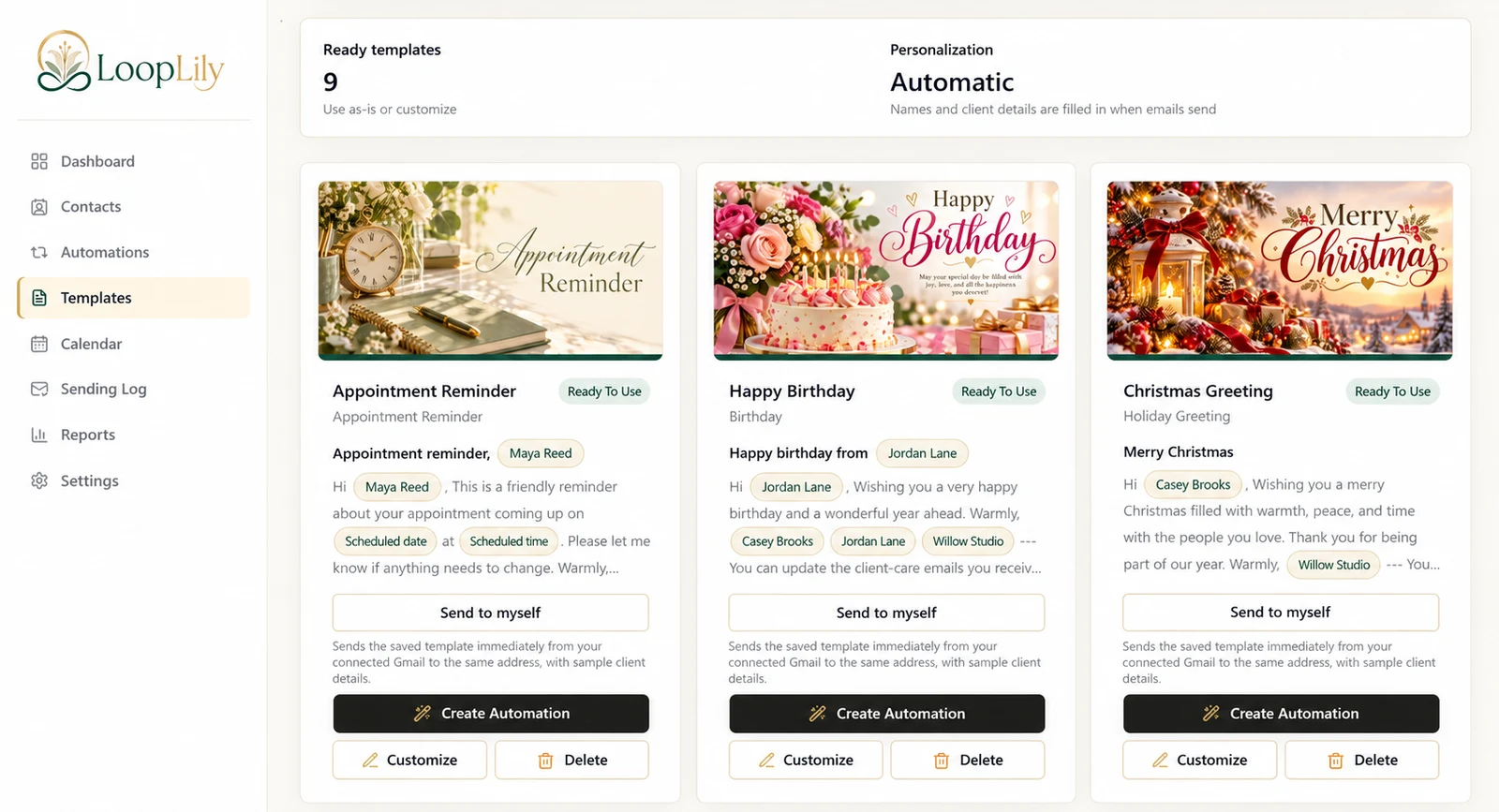
Reuse the tone and helpful details your clients already recognize. Adapt them into a template with supported personalization fields. Move the relevant dates onto contact records and choose a matching automation. Do not add more frequent messages merely because the process is easier to run.
Test the translation
Compare the configured workflow with a recent manual example. Would the correct person have received it at a sensible time? Would the wording still make sense without your last conversation? Review the first results in the Sending Log. Automation works best when it captures an understood routine rather than disguising an unclear one.