
Growing with LoopLily
Build a multilingual client-care routine thoughtfully
Review the actual message content instead of assuming the interface translates it.
By LoopLily · 1 min read
Separate interface language from email wording
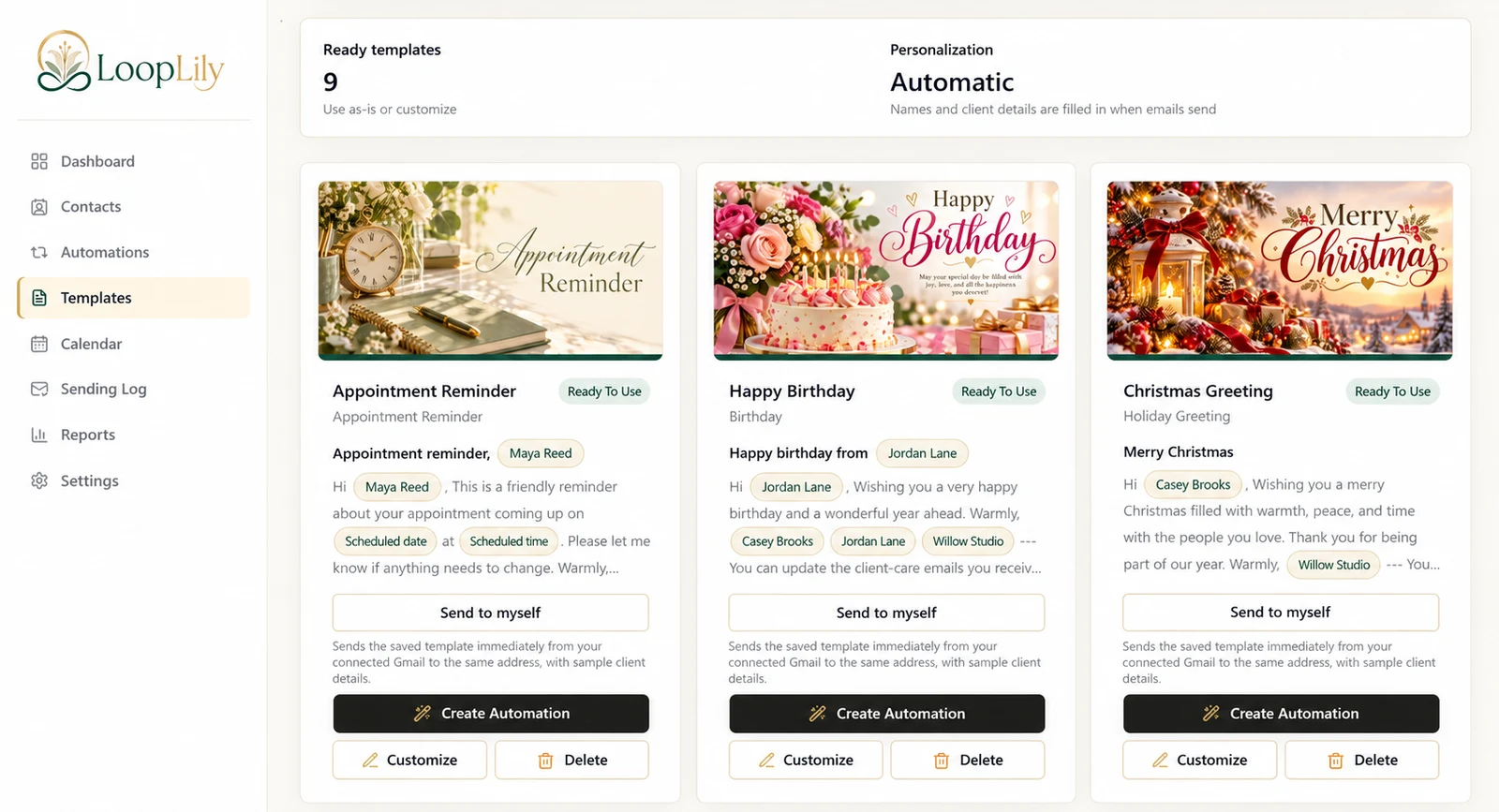
A workspace language setting and the language of a saved template are different concerns. Read the subject and body you intend to send. Do not assume changing the app’s interface will translate every custom message or the words printed inside an image.
Choose appropriate templates and audiences
Use clear names for language-specific versions when your workflow needs them. Check that greetings, date phrasing, signatures, and artwork agree. Select recipients based on known communication preferences rather than guessing from names or location alone.
Ask for a fluent review
For wording you cannot confidently assess, have a suitable reviewer check tone and meaning before use. Preview the finished email for wrapping and readability, especially with longer text. LoopLily can support reusable messages, but language quality still depends on the content you save. A shorter, carefully reviewed message is more useful than a complicated translation whose meaning is uncertain.