
Growing with LoopLily
Review your brand after a business change
A new name or visual identity needs a coordinated email update.
By LoopLily · 1 min read
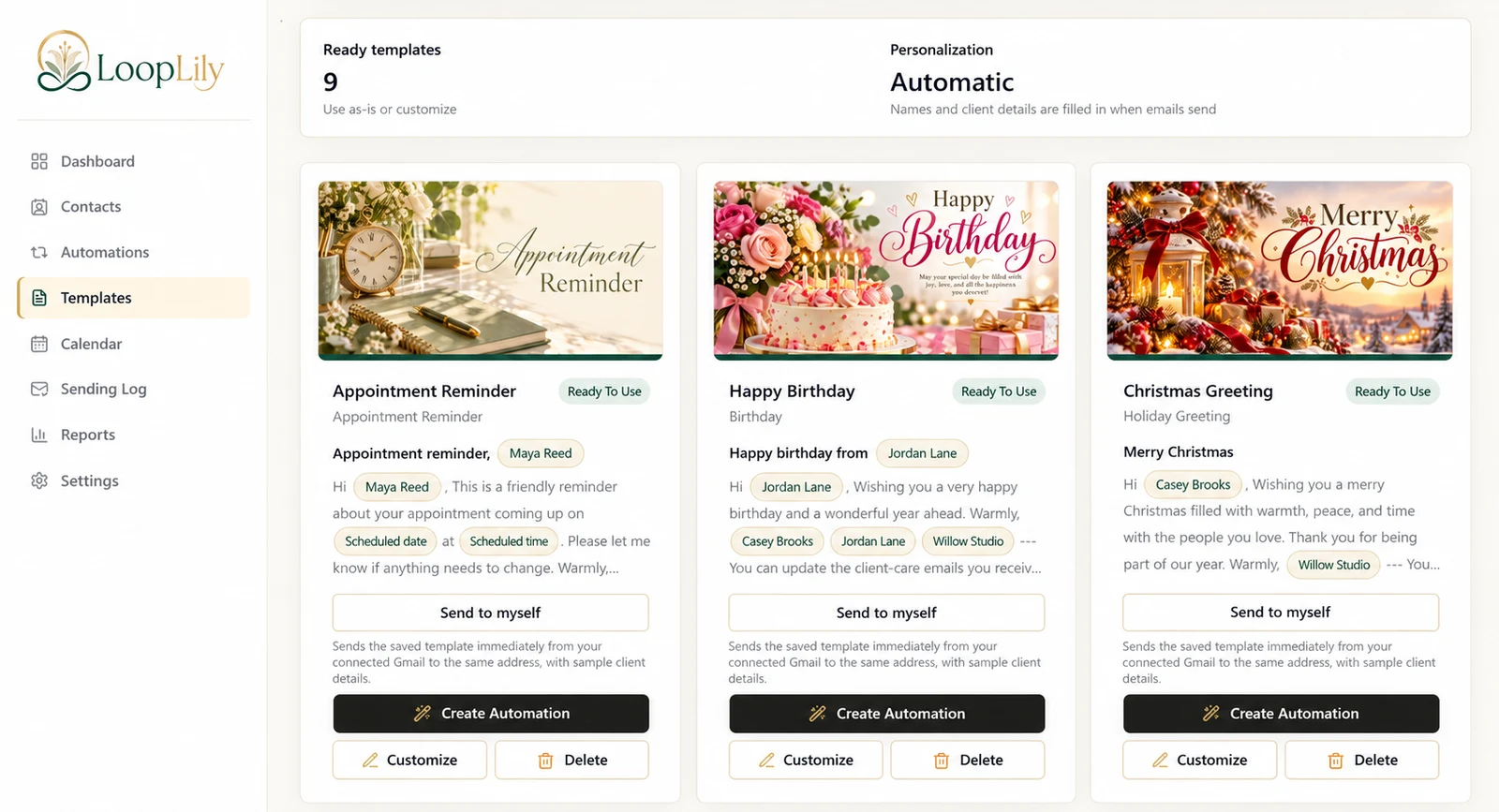
Inspect every visible layer
Review the company profile, sender name, reply-to details, logo, accent color, and template signatures. Look at the artwork too, because a business name embedded in an image will not necessarily change when a text setting changes.
Protect recognition
Clients may know your previous identity better than the new one. Decide whether a brief explanation belongs in an appropriate message before your regular greetings resume. Keep the explanation truthful and concise, and make the response address easy to recognize.
Preview representative templates
Test a reminder, a birthday card, and a holiday greeting after the update. Their layouts may expose different branding issues. Review the automations that use those templates and confirm the intended Gmail account. A coordinated brand change helps the next email feel like a continuation of the existing relationship, rather than an unexpected message from an unfamiliar business.