
Gmail & identity
Send client-care messages from an identity clients recognize
Use your connected Gmail account deliberately, with consistent sender details.
By LoopLily · 1 min read
Familiarity starts before the email opens
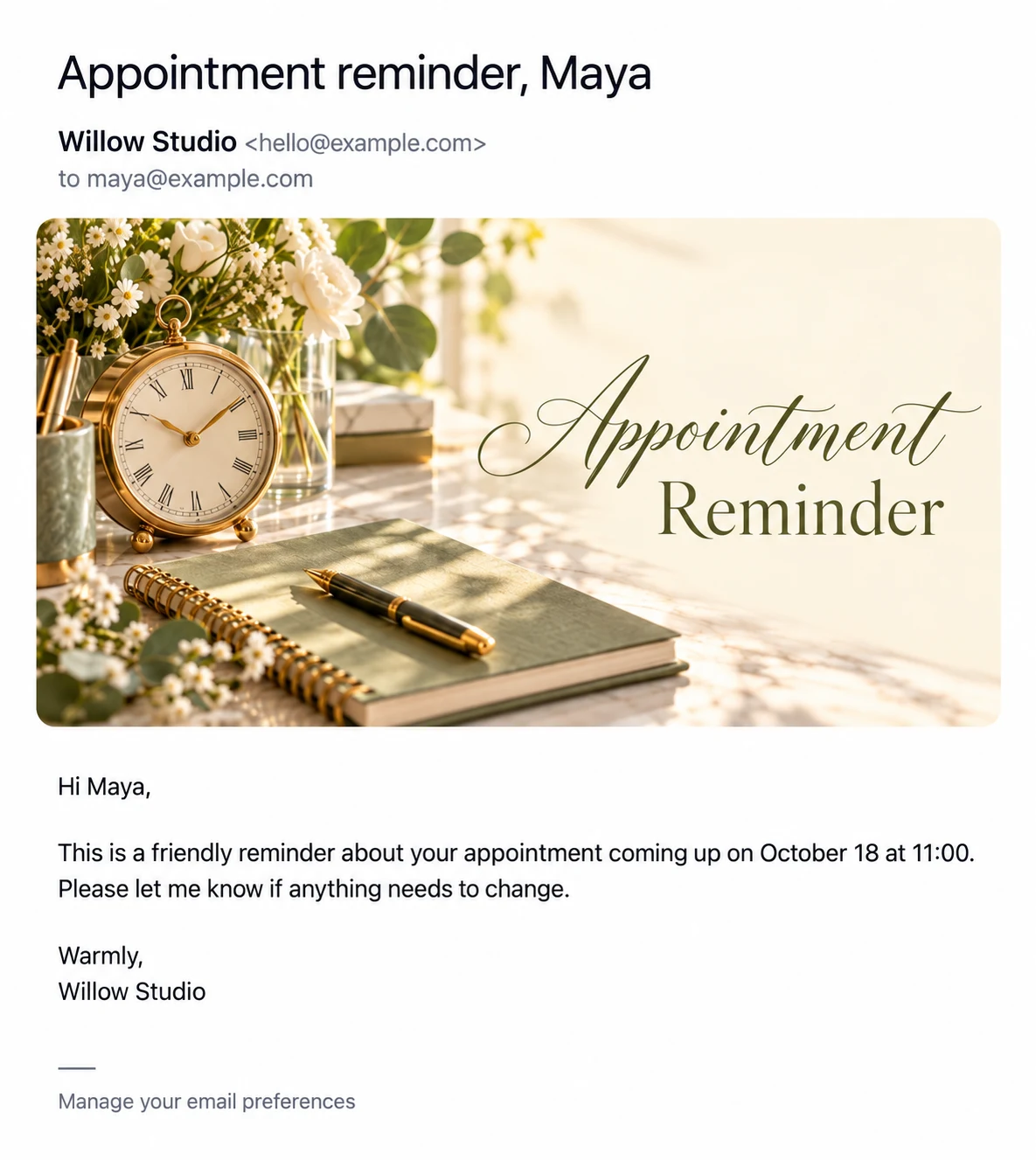
Recipients often see the sender name before reading the subject. Choose a business identity they already know from appointments, purchases, or previous conversations. An unfamiliar personal nickname can make a thoughtful greeting harder to recognize, even when the content is appropriate.
Review the visible details
LoopLily’s profile settings and Gmail sending information help you inspect your setup. Check the sender name, company name, connected account, and reply-to details together. A verified sending identity is not the same as a label typed into the message body; review the actual inbox preview too.
Use one clear signature
For a fictional Willow Studio message, a concise sign-off such as ‘Warmly, Maya at Willow Studio’ may be sufficient. Avoid stacking several competing business names or repeating the same logo in multiple places. Recheck the preview after a brand or account change so your next automated message still looks like it comes from the business your client expects.