
Getting started
Set up a recognizable business profile
Make the sender identity in your client emails match the business people know.
By LoopLily · 1 min read
Use your public-facing name
Your workspace company name and sender name should be recognizable to recipients. A trading name clients see on invoices may be clearer than an internal legal entity or a personal nickname. Check capitalization and punctuation; small inconsistencies become more noticeable when the same signature appears repeatedly.
Review the contact details
Check the reply-to address and connected Gmail account before sending. These details have different jobs: one identifies the sending connection, while another guides replies. Do not assume changing the company label changes the actual Google account used to send mail.
Check the complete impression
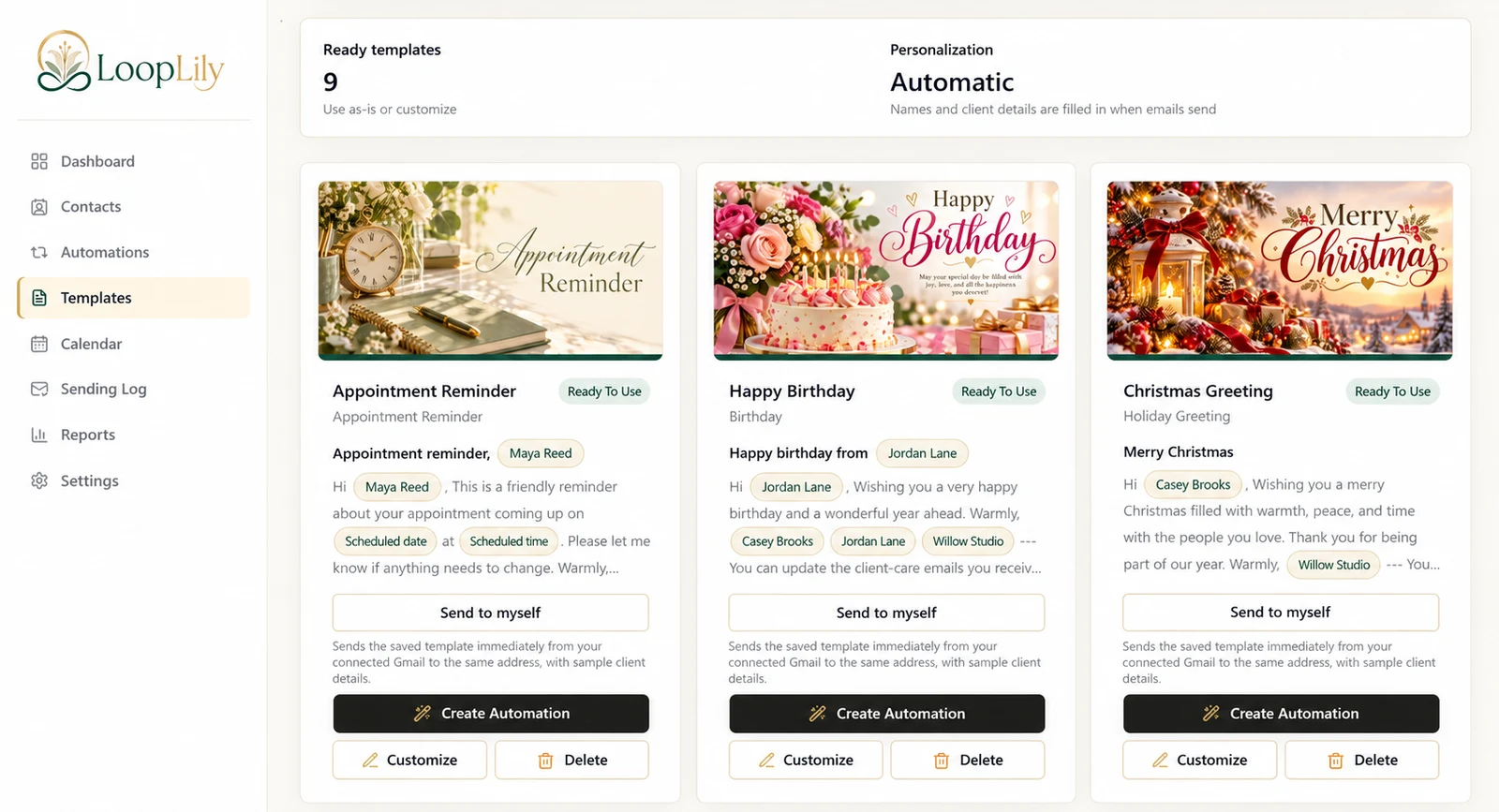
Add your logo and email accent color if they support your brand, then preview a real template. In a fictional Willow Studio example, the email should present one consistent studio identity from the greeting through the sign-off. If the artwork already contains branding, review it alongside the signature to avoid clutter. A recognizable message starts with consistent details, not with a complicated design.