
Gmail & identity
Switching business email accounts: a review plan
Check the consequences of an account change before your next scheduled messages.
By LoopLily · 1 min read
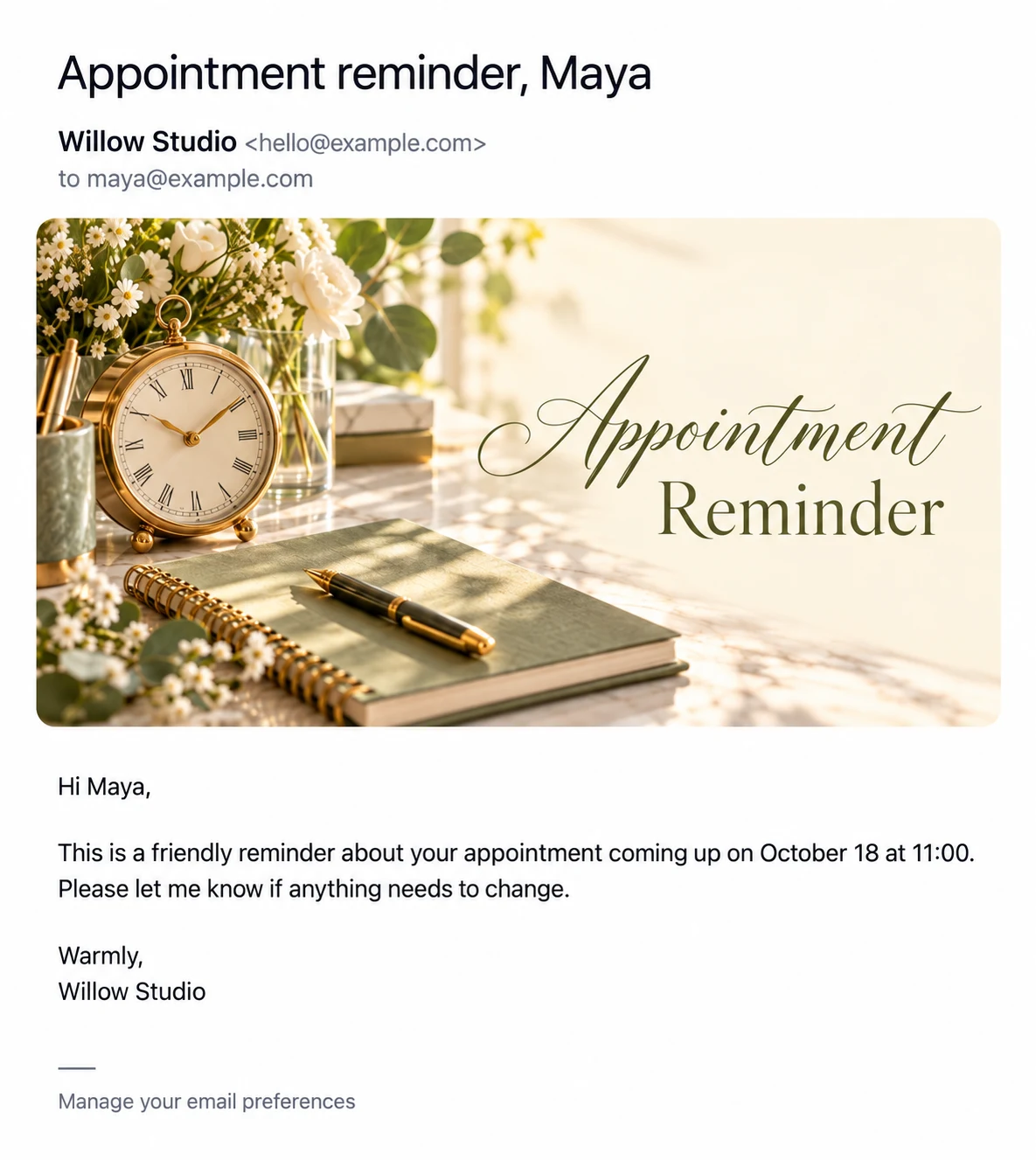
Make an inventory
List the active workflows that depend on the current sender. Review the company profile, reply-to address, and template signatures. If artwork includes an old email address, it needs attention too. Changing the Gmail connection alone does not guarantee that every visible reference to the previous account disappears.
Connect and inspect
Use Settings to establish the intended sending connection, then confirm the displayed identity. Send yourself a preview of a representative template. Inspect the received sender details and the body, rather than relying only on what the settings form shows.
Follow the next scheduled attempt
Check the Sending Log after the next relevant run and confirm that the expected workflow behaved correctly. If clients need to know your address changed, explain that clearly through an appropriate communication. Keep the old mailbox monitored when your business process requires it. An account switch is both a technical configuration change and a change in how people reach you.