
Getting started
Templates and automations: how they work together
Learn the difference between saving a message and scheduling its use.
By LoopLily · 1 min read
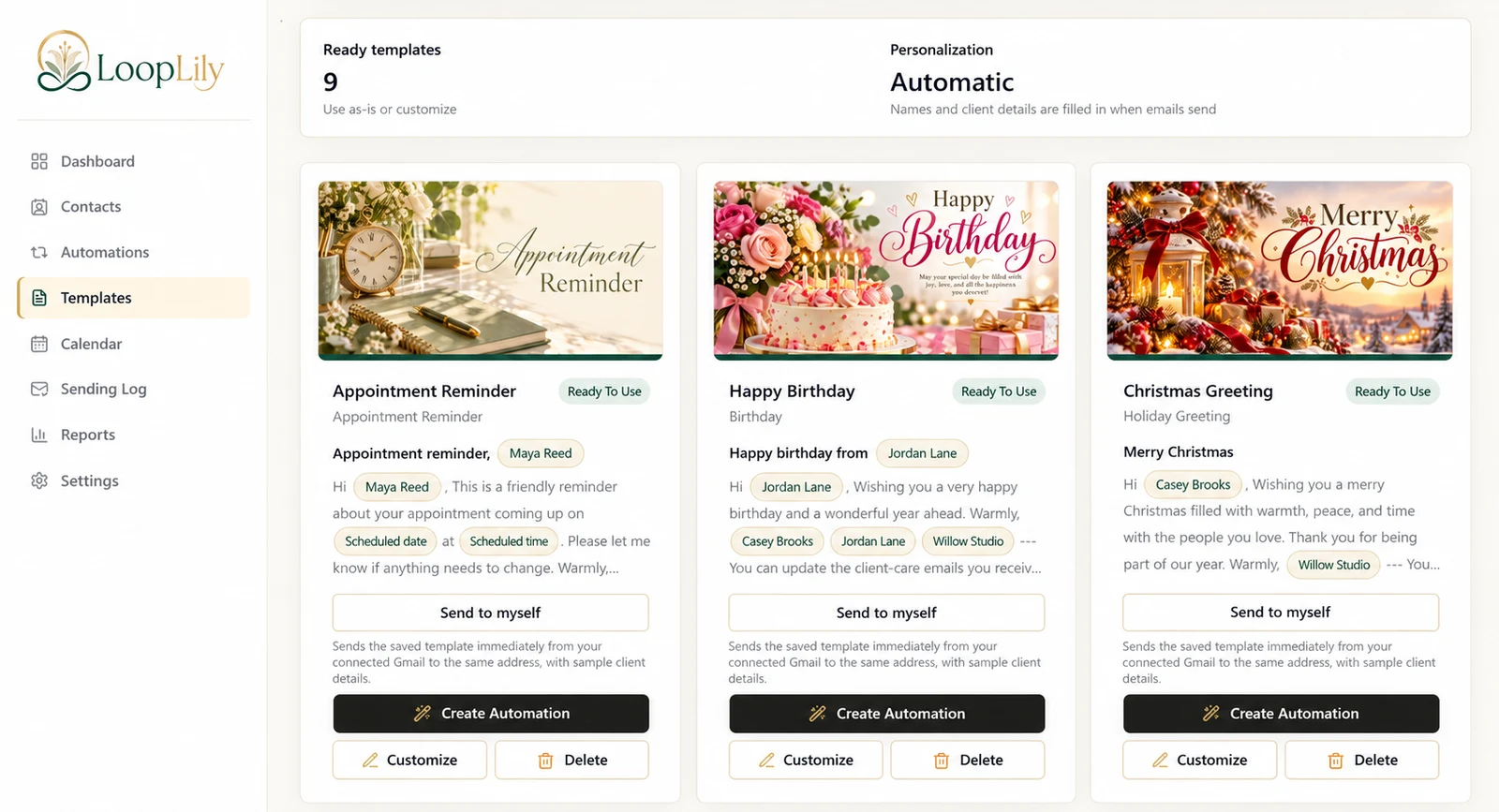
The template is the reusable message
A template contains a subject, body, artwork, and supported personalization fields. You can choose starter content and customize it for your business. Saving that content gives you something to reuse; it does not tell LoopLily which people should receive it on which date.
The automation supplies the conditions
An automation connects a message to an audience and a timing rule. A birthday greeting, for example, depends on the birthday information saved for eligible contacts. Gmail sending setup and recipient preferences still matter even when the template and rule are both ready.
Change the right component
If a reminder says the wrong thing, review its template. If the right message targets the wrong group, review the audience. If the event itself moved, update the saved event information. Before changing a shared template, consider every automation that may use it. This distinction lets you repair a workflow without rebuilding unrelated parts.