
Growing with LoopLily
Use LoopLily alongside a CRM or booking system
Decide which system owns each kind of information.
By LoopLily · 1 min read
Assign a source of truth
If another tool manages bookings, contracts, or detailed sales records, decide which dates and contact details need to be maintained in LoopLily for your email workflows. Do not assume a live synchronization exists unless your actual setup explicitly provides it.
Keep the division simple
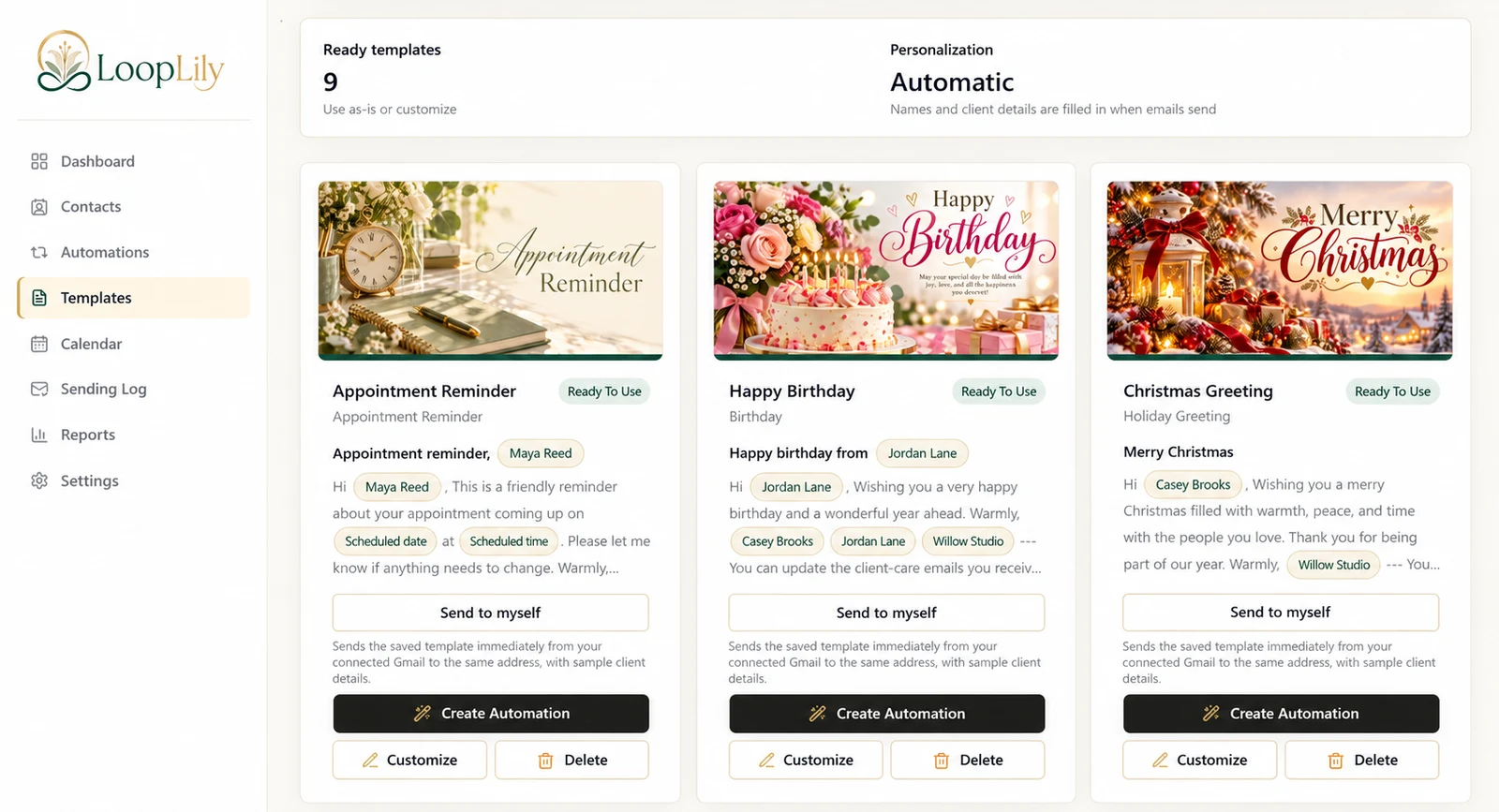
LoopLily can organize client-care templates, relevant dates, automations, and sending history. Your other system may handle different work. Define the boundary so a changed appointment or renewed agreement is reflected where the reminder depends on it. A clear manual update process is better than an assumed integration.
Review for conflicting communication
Your booking system may already send reminders. Inspect the recipient’s combined experience before enabling another similar message in LoopLily. Decide which tool owns each communication and avoid overlap. Using two systems can work well when responsibilities are explicit, records are maintained, and each message has a distinct purpose that your team understands.