
Review & troubleshooting
Why an event may be missing from your calendar view
Check filters and records before treating the absence as a sending problem.
By LoopLily · 1 min read
Review the view controls
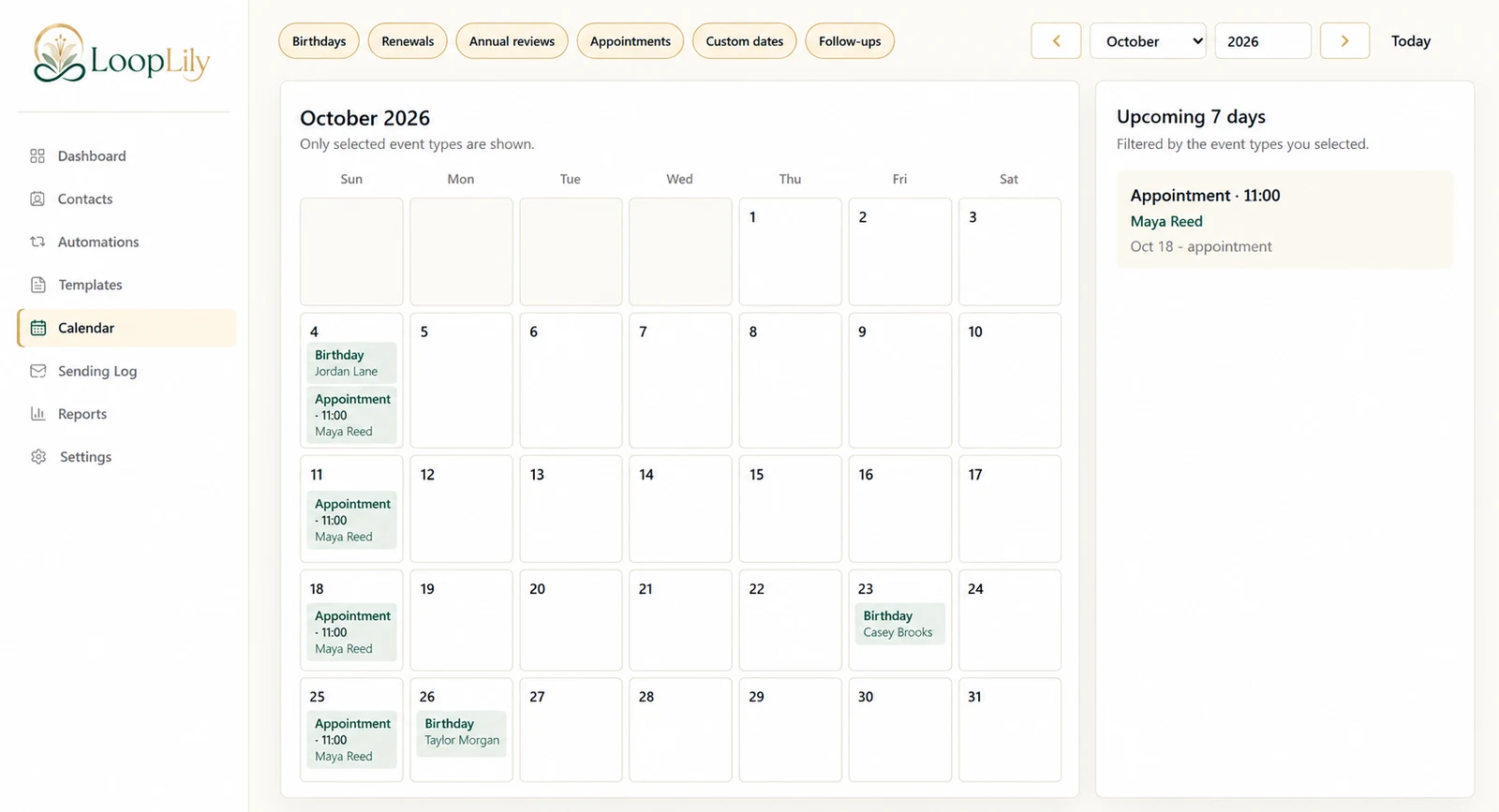
The Calendar displays the selected event types for the period you are viewing. Confirm the month, year, and filters. An appointment can be saved correctly while hidden by the current view, so start with the simplest explanation.
Inspect the source record
Open the contact and confirm the relevant date or event. Check whether it is stored in the field the calendar expects, rather than written only in a note or template. If a date was recently changed, compare it with your intended business schedule.
Separate visibility from sending
The calendar helps you plan upcoming activity, but it is not a delivery record. Once the event is visible, inspect the related automation independently if your concern is whether a reminder will send. Use the Sending Log for actual attempts. Keeping those questions separate prevents a display-filter issue from turning into unnecessary changes to working email rules.